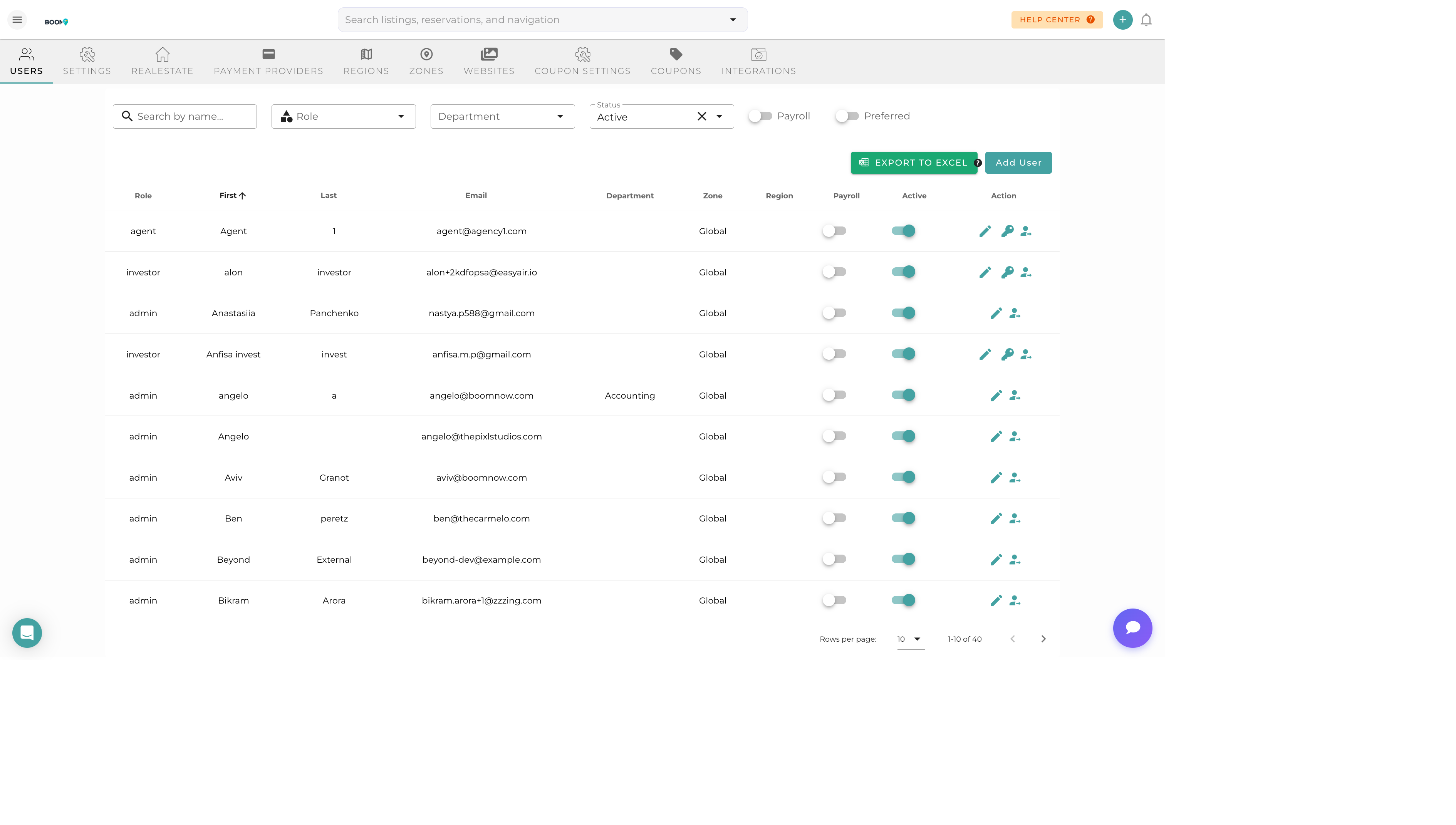
User Settings: Manage team members, roles, and access permissions
About Settings
The Settings section allows you to configure your Boom PMS account, manage team members, set up notifications, and customize how the system works for your organization.
Key areas:
- User management and team roles
- Company and account settings
- Notification preferences
- Regional settings (time zones, currency)
- Security and authentication
- Tax configuration
Available Guides
System Settings
General configuration and preferences
User Management
Manage team members and access levels
Roles & Permissions
Complete guide to all 38 user roles and access levels
Notification Settings
Configure alerts and notification preferences
Regions & Zones
Organize properties by geographic areas
Tax Configuration
Set up tax rates and profiles