Overview
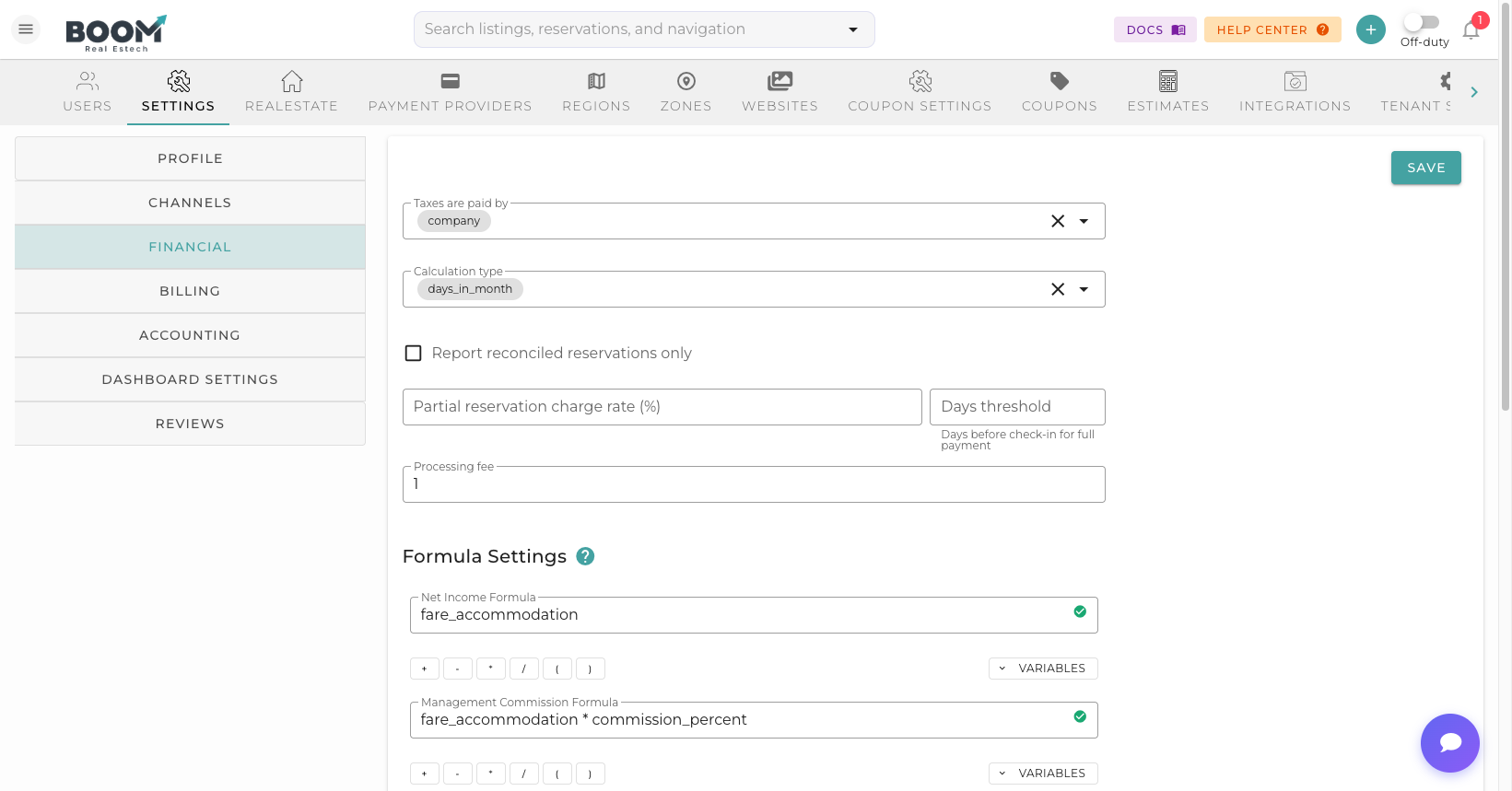
Tax configuration ensures you collect the correct taxes on reservations. Set up tax profiles for different jurisdictions and apply them to properties automatically.
Common Tax Types
Occupancy Tax
Also known as lodging tax, hotel tax, or transient occupancy tax (TOT). Typically a percentage of the accommodation charge.
Sales Tax
State or local sales tax applied to short-term rentals in some jurisdictions.
Tourism Tax
Additional taxes used to fund local tourism initiatives.
VAT/GST
Value-added tax or goods and services tax for international properties.
Flat Fees
Per-night or per-stay flat tax amounts required by some jurisdictions.
Creating Tax Profiles
Navigate to Tax Settings
Go to Settings > Taxes.
Add Tax Profile
Click "Add Tax Profile" to create a new configuration.
Enter Profile Details
- Name - Descriptive name (e.g., "Miami Beach Taxes")
- Description - Notes about the tax jurisdiction
Add Tax Components
Add individual taxes to the profile:
- Tax Name - Name displayed on invoices
- Rate - Percentage or flat amount
- Type - Percentage or fixed fee
- Applies To - Accommodation only, or all charges
Assign to Properties
Select which properties should use this tax profile.
Tax Calculation Methods
Inclusive vs Exclusive
- Exclusive (default) - Tax added on top of the rate
- Inclusive - Tax included in the displayed rate
Calculation Base
- Accommodation Only - Tax on nightly rate only
- All Charges - Tax on total including fees
- Excluding Fees - Tax on accommodation, not cleaning fees
Tax Reporting
Generate reports for tax filing:
- Tax Summary - Total taxes collected by period
- Tax Detail - Breakdown by property and reservation
- Tax by Jurisdiction - Grouped by tax profile
- Export - Download for accountant review