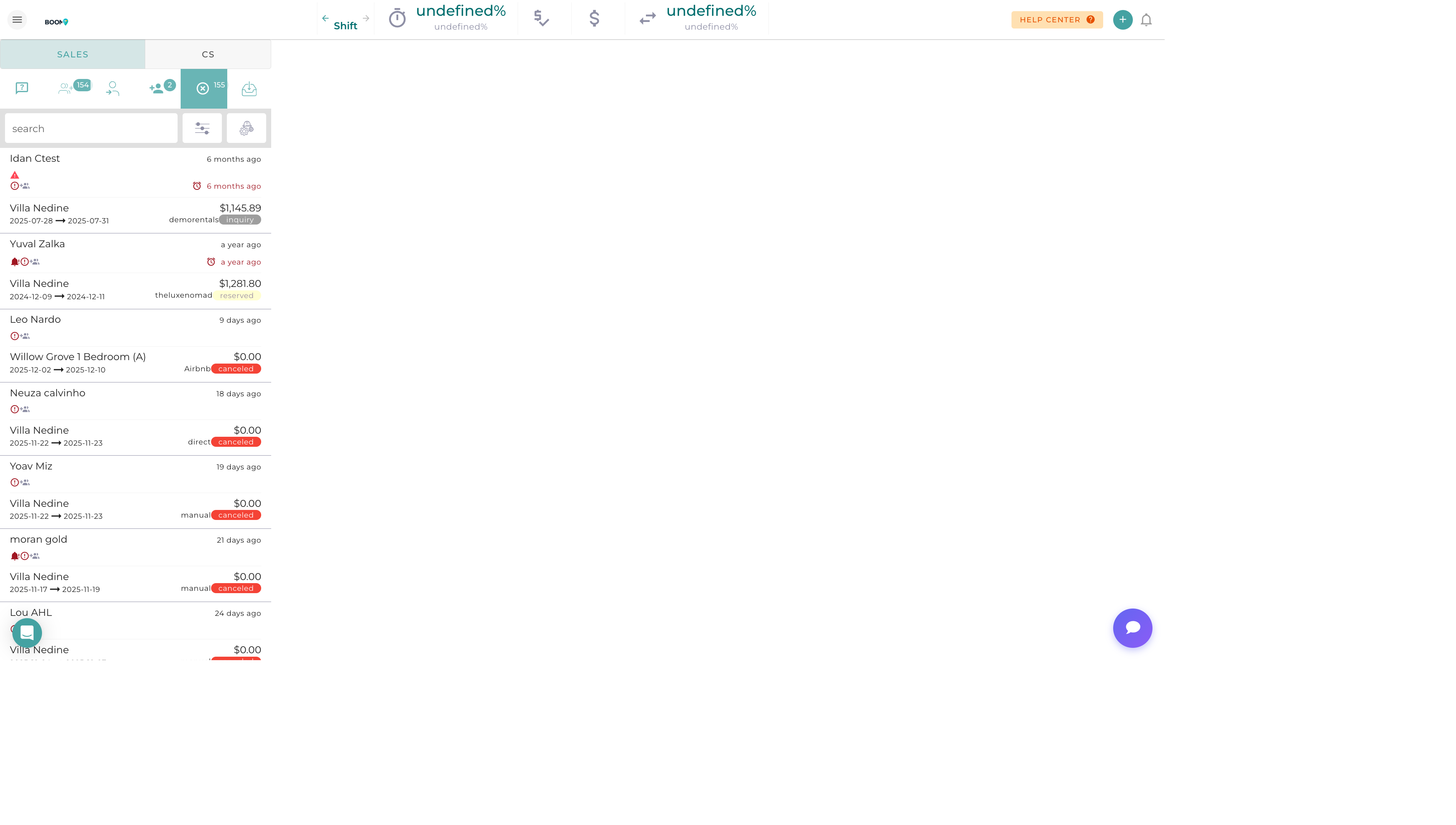
Unified Inbox in Boom PMS
Overview
The unified inbox brings all your guest communications into one place. Instead of switching between Airbnb, Booking.com, email, and SMS apps, view and respond to everything from a single interface. Never miss a message again.
Accessing the Inbox
-
Click Messaging in Main Menu
Find "Messaging" or "Inbox" in the navigation
-
View All Conversations
Conversations listed by most recent activity
-
Select a Conversation
Click to open the full thread
Unread Badge
The messaging icon in the navigation shows the count of unread conversations. This updates in real-time as new messages arrive.
Inbox Layout
Conversation List (Left Panel)
Each conversation shows:
| Element | Information |
|---|---|
| Guest Name | Name of the guest |
| Channel Icon | Airbnb, Booking.com, Email, SMS indicator |
| Preview | First line of the latest message |
| Timestamp | When the last message was sent/received |
| Unread Indicator | Bold text or dot for unread messages |
| Property | Which listing the conversation relates to |
Conversation View (Right Panel)
When a conversation is selected:
- Message Thread - Full conversation history
- Guest Info - Profile summary and reservation details
- Compose Area - Reply box with formatting options
- Quick Actions - Templates, AI assist, send options
Supported Channels
| Channel | Features | Sync |
|---|---|---|
| Airbnb | Messages, inquiries, reviews | Real-time |
| Booking.com | Messages, modification requests | Near real-time |
| VRBO/HomeAway | Messages, inquiries | Periodic sync |
| Full email support with attachments | Real-time | |
| SMS | Two-way text messaging | Real-time |
| Messages with media support | Real-time |
Understanding Message Status
| Status | Meaning |
|---|---|
| Unread | New message not yet viewed |
| Read | Message has been opened |
| Needs Reply | Guest message awaiting your response |
| Sent | Your message was sent successfully |
| Delivered | Message reached the recipient (SMS/WhatsApp) |
| Failed | Message could not be sent |
| Closed | Conversation marked as resolved |
Quick Actions
From the Conversation List
- Mark as Read/Unread - Toggle read status
- Archive - Move to archive
- Assign - Assign to team member
- Star - Mark as important
From Within a Conversation
- View Reservation - Jump to associated booking
- View Guest Profile - Open guest details
- Add Note - Internal note (not sent to guest)
- Close Conversation - Mark as resolved
Real-Time Updates
The inbox updates automatically as new messages arrive:
- New Message Alert - Sound and visual notification
- Auto-Refresh - Conversation list updates without reload
- Typing Indicators - See when guests are typing (where supported)
- Read Receipts - Know when messages are read (where supported)
Desktop Notifications
Enable browser notifications to get alerts for new messages even when the inbox isn't open. Configure in your user settings.
Was this guide helpful?
Thanks for your feedback!