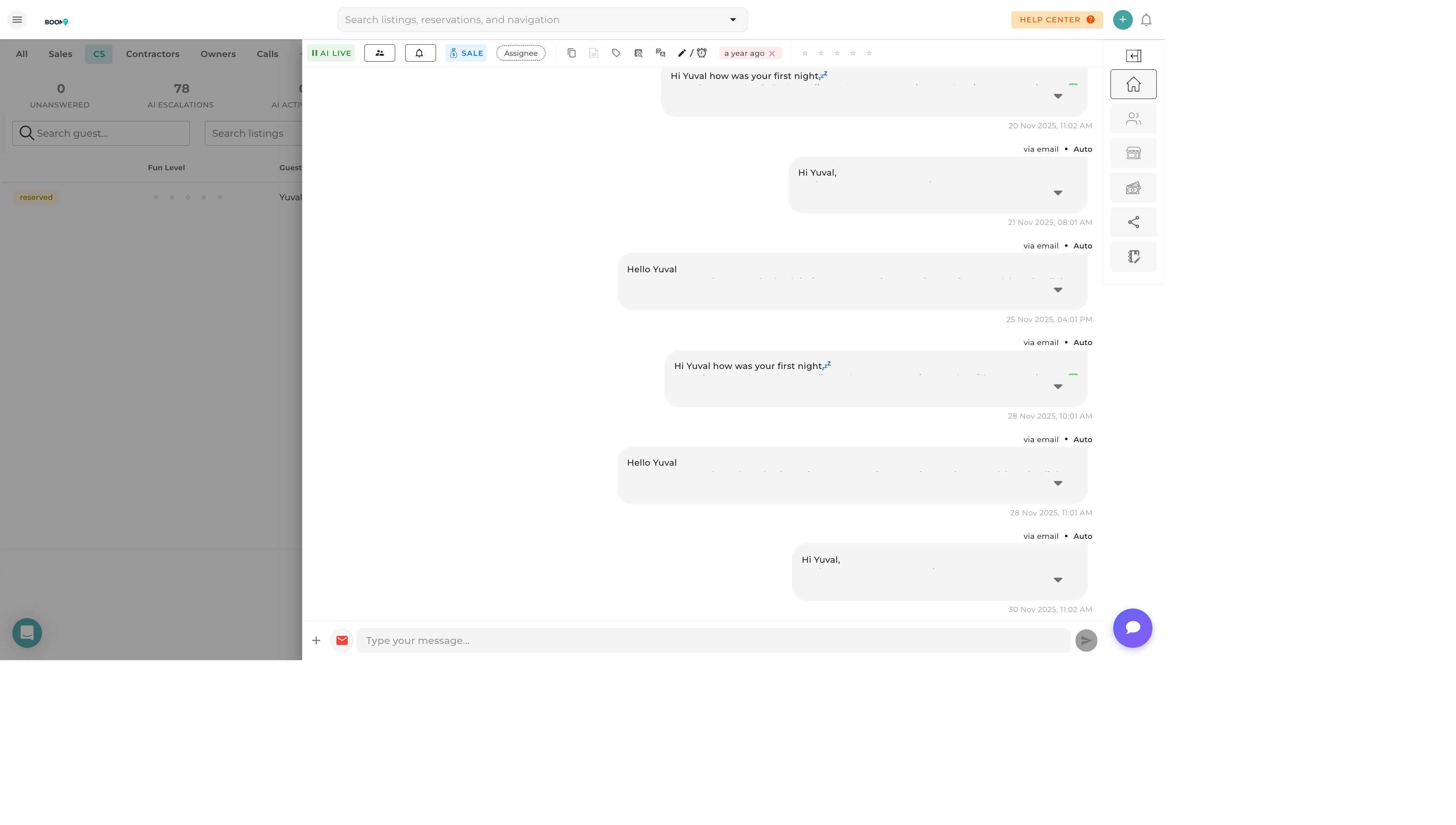
Overview
As your guest communications grow, filters help you focus on what matters most. Quickly find unread messages, filter by channel or property, and organize your inbox to work efficiently.
Quick Filters
One-click filters for common views:
| Filter | Shows |
|---|---|
| All | All conversations |
| Unread | Messages you haven't opened |
| Needs Reply | Guest messages awaiting response |
| Starred | Conversations you've marked important |
| Assigned to Me | Your assigned conversations |
| Archived | Closed/archived conversations |
Filter by Channel
View messages from specific channels:
- Email - Email conversations only
- SMS - Text message threads
- WhatsApp - WhatsApp conversations
- Airbnb - Airbnb platform messages
- Booking.com - Booking.com messages
- VRBO - VRBO/HomeAway messages
Filter by Property
Focus on messages for specific listings:
- Click Property Filter
Open the property selector
- Select Properties
Choose one or multiple properties
- Apply Filter
View only matching conversations
This is especially useful when:
- Managing multiple properties
- Handing off a property to a team member
- Reviewing communications for a specific location
Filter by Date
| Option | Shows Conversations |
|---|---|
| Today | Activity in last 24 hours |
| This Week | Activity in last 7 days |
| This Month | Activity in last 30 days |
| Custom Range | Select specific date range |
Filter by Status
| Status | Description |
|---|---|
| Open | Active conversations |
| Closed | Resolved conversations |
| Snoozed | Hidden until reminder time |
| Spam | Marked as spam |
Searching Conversations
Use the search bar to find specific conversations:
- Guest Name - Search by name
- Message Content - Search within messages
- Confirmation Code - Find by reservation ID
- Phone Number - Search by contact
- Email Address - Search by email
Combining Filters
Use multiple filters together for precise results:
- "Unread Airbnb messages for Beach Villa"
- "Needs reply this week from Booking.com"
- "Starred conversations from last month"
- "Assigned to me, all channels, this property"
Filters combine with AND logic - conversations must match all selected criteria.
Saving Filter Presets
- Configure Filters
Set up your desired filter combination
- Click Save View
Name your filter preset
- Access Later
One-click access from saved views
Common saved views:
- "My Priority" - Unread + Starred + Assigned to Me
- "OTA Urgent" - Airbnb + Booking.com + Needs Reply
- "Beach Properties" - Multiple beach properties combined
Was this guide helpful?
Thanks for your feedback!