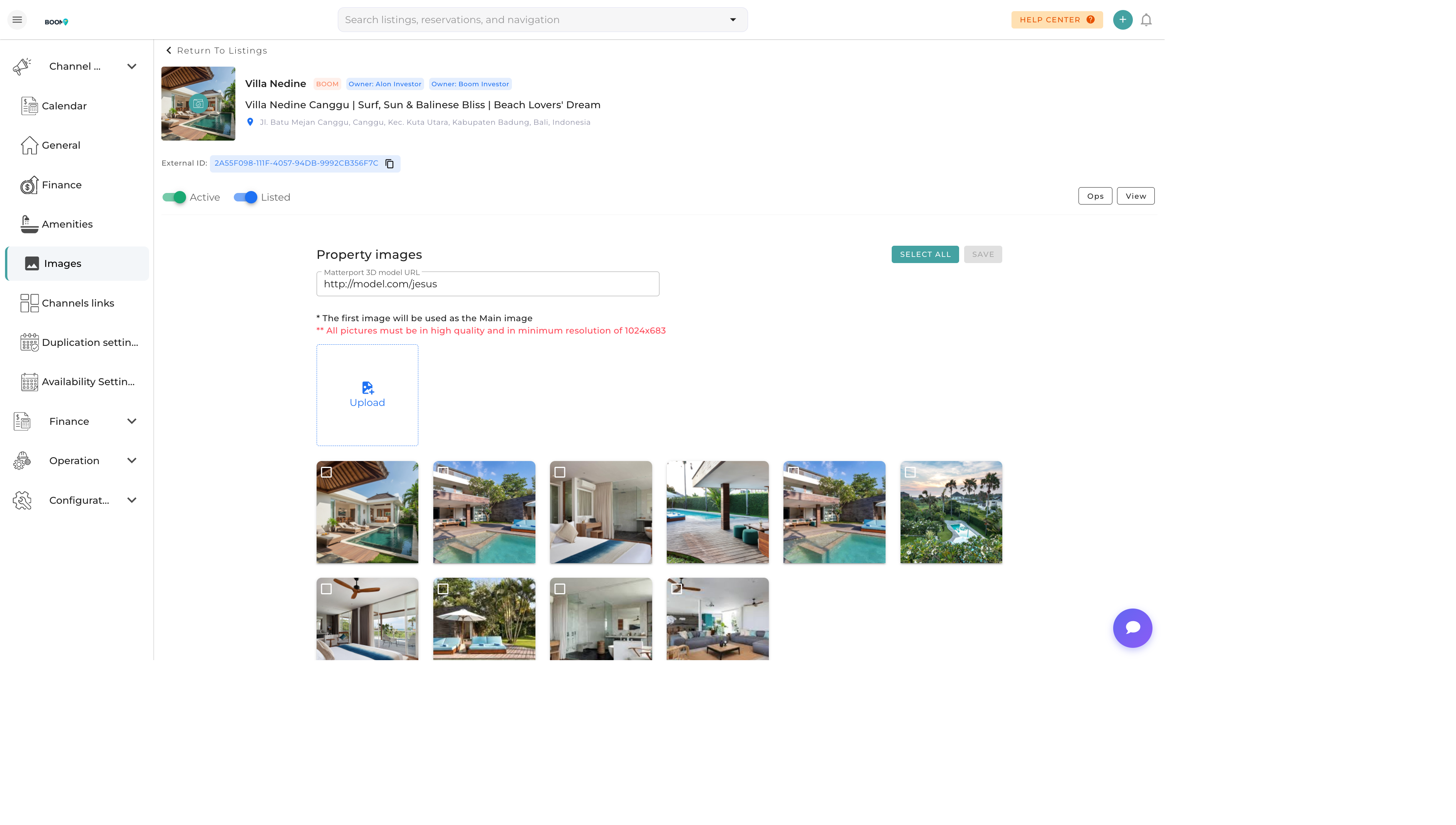
Photo Manager: Upload and arrange property images
Overview
High-quality photos are essential for attracting bookings. The Photo Manager allows you to upload, organize, and optimize images for your property listings across all connected channels.
Uploading Photos
To add photos to your property:
- Drag & Drop - Drag image files directly onto the upload area
- Browse - Click to browse and select files from your computer
- Bulk Upload - Select multiple images at once
Supported Formats
- JPEG (.jpg, .jpeg)
- PNG (.png)
- WebP (.webp)
Recommended Specifications
- Resolution - Minimum 1024x768 pixels
- Aspect Ratio - 4:3 or 16:9 for best display
- File Size - Under 10MB per image
- Quality - Well-lit, high-resolution photos
Organizing Photos
Setting the Primary Photo
The primary photo appears as the main listing image on booking channels. Click the star icon on any photo to set it as primary.
Reordering Photos
Drag and drop photos to reorder them. The order determines how photos appear in your listing gallery.
Adding Captions
Click on a photo to add a descriptive caption. Good captions help guests understand what they're seeing.
Room Assignment
Assign photos to specific rooms (bedroom, bathroom, kitchen, etc.) to improve organization and channel display.
Photo Optimization
Boom PMS automatically optimizes photos for web delivery:
- Compression - Images are compressed for faster loading
- Resizing - Multiple sizes generated for different displays
- CDN Delivery - Photos served from global content delivery network
- Format Conversion - Automatic WebP conversion for supported browsers
Pro Tips
Lead with Your Best
Place your most impressive photo first. The primary image is the first thing potential guests see and significantly impacts click-through rates.
Channel Requirements
Different channels have different photo requirements. Airbnb recommends at least 20 photos, while Booking.com emphasizes bathroom and bedroom images.
Accurate Representation
Ensure photos accurately represent your property. Misleading images lead to negative reviews and guest dissatisfaction.