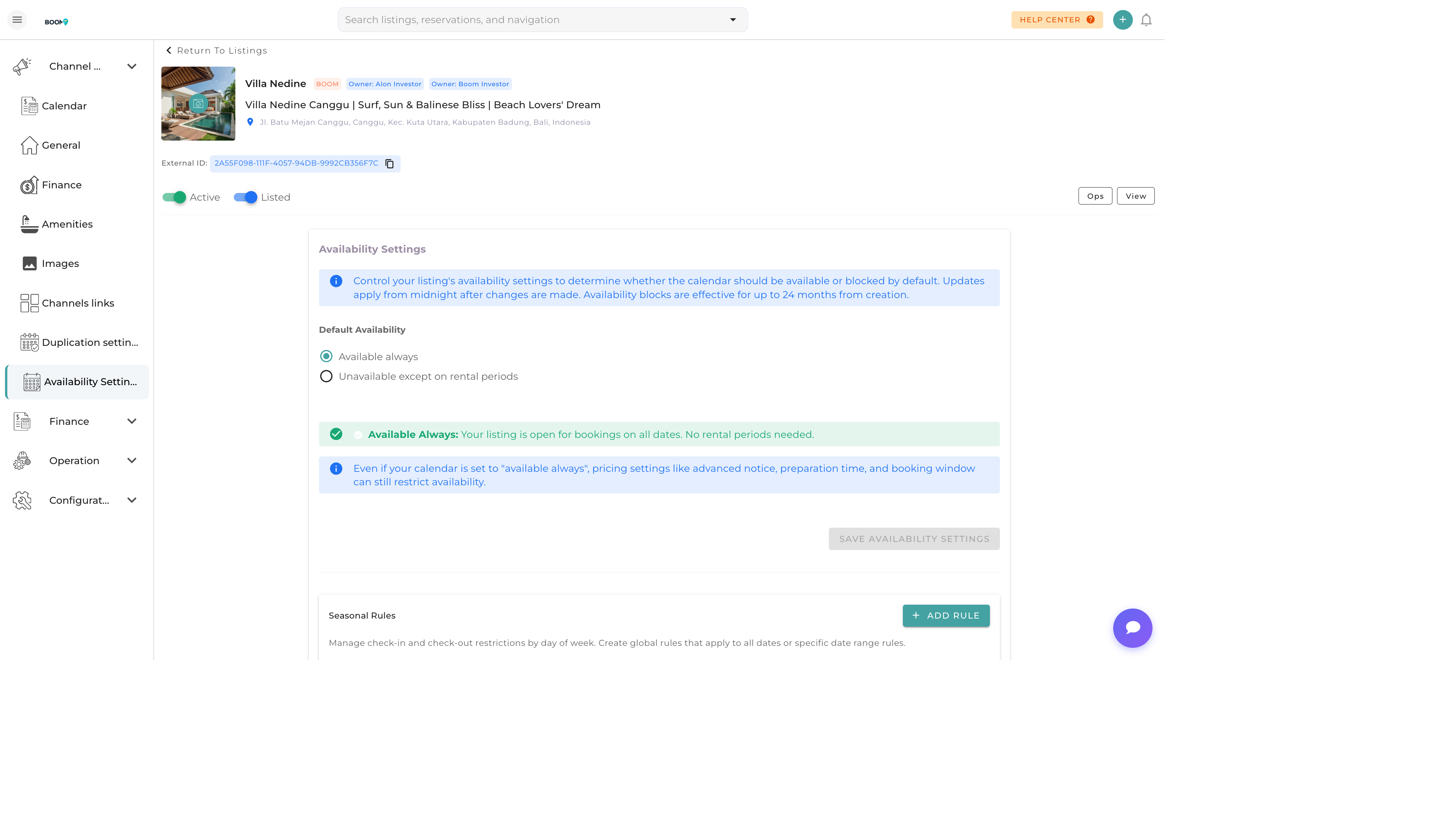
Availability Settings: Configure booking rules and restrictions
Overview
Availability settings control when and how guests can book your property. These settings sync to all connected booking channels and help you manage your calendar effectively.
Booking Window
Advance Notice
Set the minimum time required before a guest can check in:
- Same Day - Allow same-day bookings
- 1-3 Days - Give yourself preparation time
- 1 Week - For properties requiring more setup
Booking Horizon
How far in advance guests can book:
- 3 Months - Short-term planning
- 6 Months - Medium-term availability
- 12 Months - Full year bookings (recommended)
- Custom - Set a specific date range
Stay Requirements
Minimum Stay
Set the minimum number of nights per booking:
- Default Minimum - Standard minimum for all dates
- Weekend Minimum - Different minimum for Friday/Saturday check-ins
- Seasonal Minimum - Higher minimums during peak seasons
Maximum Stay
Limit the maximum booking length to manage long-term rentals and turnovers.
Gap Days
Buffer days between reservations for cleaning and maintenance preparation.
Check-in/Check-out Rules
Check-in Days
Restrict which days guests can check in:
- Any Day - Maximum flexibility
- Weekends Only - Friday, Saturday, Sunday check-ins
- Specific Days - Custom day selection
Check-out Days
Similar restrictions for check-out to manage turnovers efficiently.
Check-in/Check-out Times
- Check-in Time - When guests can access the property
- Check-out Time - When guests must vacate
- Flexible Options - Early check-in or late check-out availability
Seasonal Settings
Override default settings for specific date ranges:
- Holiday Minimums - Higher minimum stays for holidays
- Peak Season Rules - Different rules during high demand
- Off-Season Flexibility - Lower minimums when demand is low
Pro Tips
Balance Flexibility
Shorter minimum stays increase booking opportunities but require more turnovers. Find the right balance for your property and market.
Channel Sync
Availability settings sync to connected channels automatically. Changes may take a few minutes to reflect on external platforms.
Gap Day Planning
Remember that gap days affect your available inventory. A 1-day gap means you lose potential revenue on those dates.