Overview
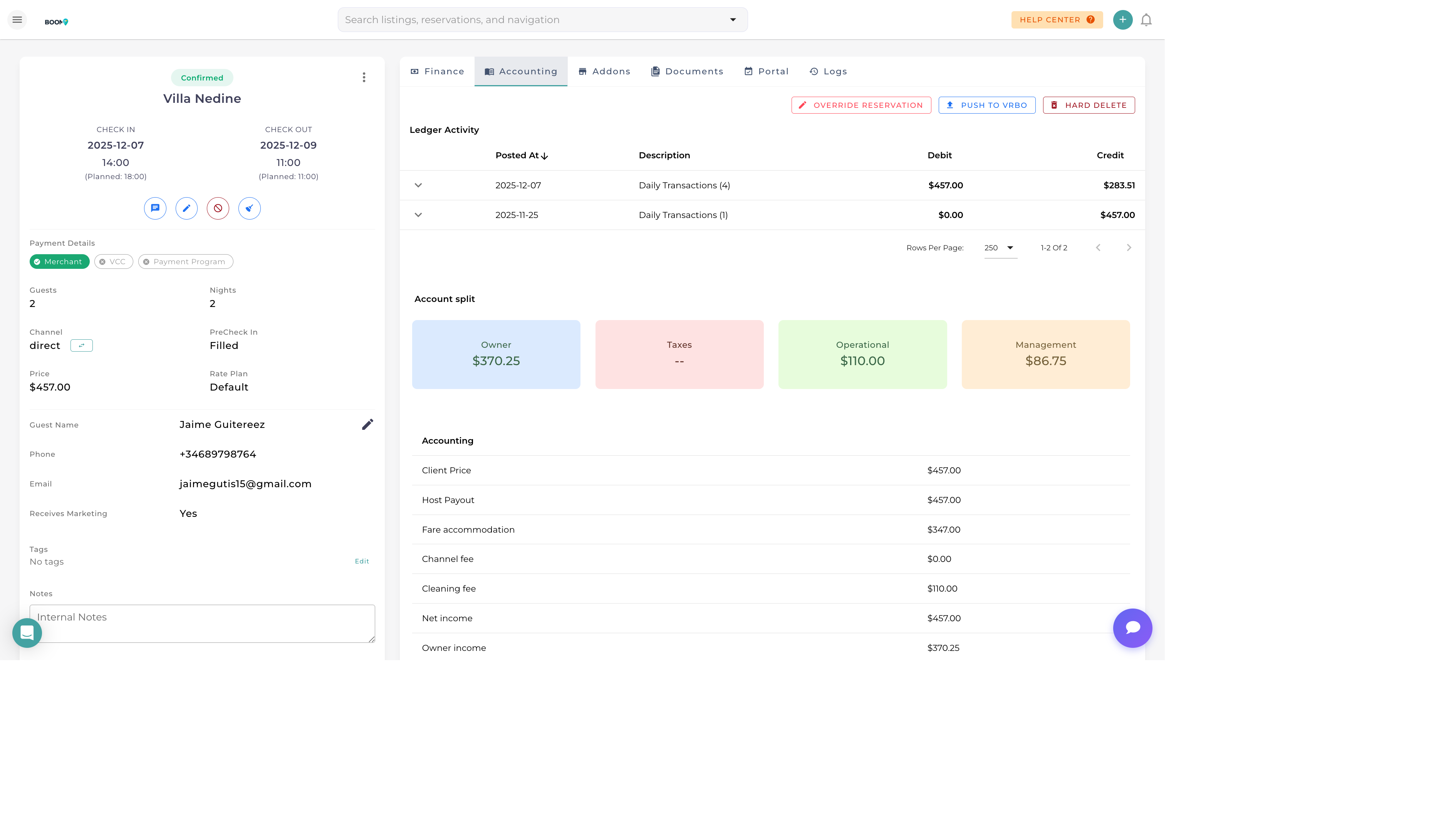
Boom PMS provides comprehensive payment management including credit card processing via Stripe, manual payment recording, refund handling, and automated payment collection. Track all transactions in one place with full audit trails.
Payment Methods
| Method | Description | Processing |
|---|---|---|
| Credit Card | Visa, Mastercard, Amex via Stripe | Automatic |
| Bank Transfer | Wire transfer or ACH payment | Manual record |
| Cash | Physical currency payment | Manual record |
| Check | Personal or cashier's check | Manual record |
| Channel Payment | Payment via Airbnb, Booking.com, etc. | Synced automatically |
| Other | PayPal, Venmo, crypto, etc. | Manual record |
Collecting a Payment
- Open the Reservation
Navigate to the reservation details page
- Click Collect Payment
Find the payment button in the Financials section
- Enter Amount
Full balance, deposit, or custom amount
- Select Method
Choose credit card or record manual payment
- Process
Confirm and process the transaction
Credit Card Processing
- Requires Stripe connection in settings
- Guest can pay via secure payment link
- Save cards for future charges (with consent)
- 3D Secure authentication supported
Payment Schedules
Set up automatic payment collection based on booking milestones:
| Schedule Type | Description |
|---|---|
| At Booking | Collect full amount or deposit immediately |
| Before Arrival | Collect balance X days before check-in |
| At Check-in | Collect on arrival day |
| Split Payments | Divide into multiple installments |
| Security Deposit | Pre-authorize amount to hold on card |
Processing Refunds
- Open Payment History
View all transactions on the reservation
- Select Payment to Refund
Click on the specific transaction
- Click Refund
Choose full or partial refund
- Enter Amount & Reason
Specify refund amount and document reason
- Process
Confirm to initiate refund to original payment method
Payment Status
| Status | Meaning |
|---|---|
| Paid | Full balance collected |
| Partially Paid | Some payment received, balance due |
| Unpaid | No payment collected |
| Pending | Payment processing or awaiting confirmation |
| Failed | Payment attempt unsuccessful |
| Refunded | Payment returned to guest |
Security Deposits
Security deposits protect against damages without requiring immediate payment:
- Pre-authorization - Hold amount on card without charging
- Actual Charge - Collect deposit as real payment, refund later
- Release - Release hold after checkout inspection
- Claim - Convert to charge if damages occur
Was this guide helpful?
Thanks for your feedback!