Overview
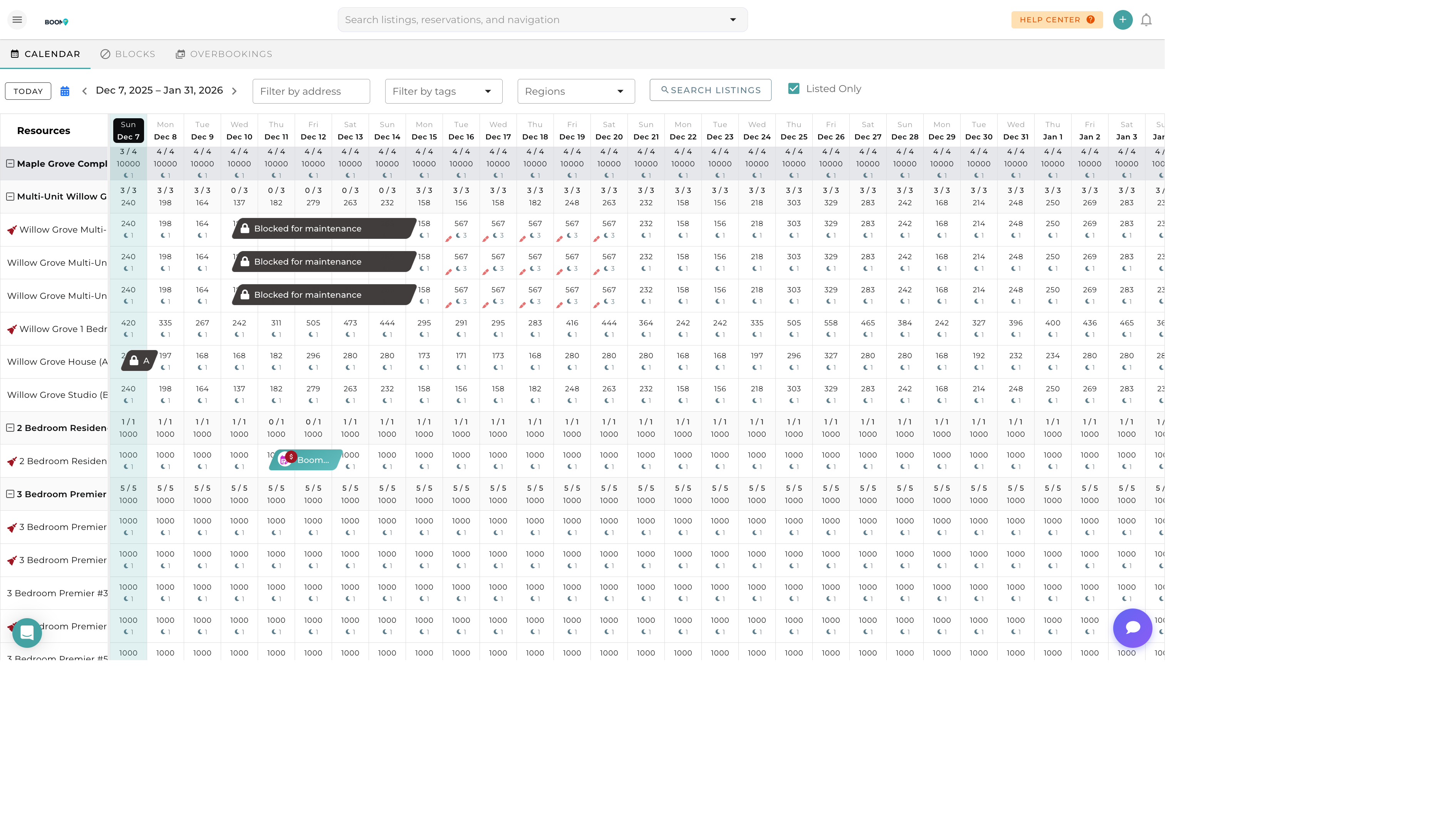
Boom PMS provides multiple ways to find reservations - from quick global search to detailed filtered queries. Whether you're looking for a specific booking or analyzing patterns, the right search tool makes it fast.
Global Search
The quickest way to find a reservation:
- Click the Search Bar
Located in the header, always accessible
- Type Your Query
Guest name, confirmation code, or property
- Select from Results
Click the matching reservation
What Global Search Finds
- Confirmation Code - Unique reservation identifier
- Guest Name - First or last name
- Guest Email - Email address
- Guest Phone - Phone number
- Property Name - Listing title
Reservations List
Browse and filter all reservations:
- Navigate to Reservations
Click Reservations in the main menu
- Apply Filters
Use the filter options to narrow results
- Sort Results
Click column headers to sort
- Click to Open
Select any row to view details
Filter Options
| Filter | Description |
|---|---|
| Date Range | Check-in dates within period |
| Status | Confirmed, Pending, Cancelled, etc. |
| Property | Specific listing(s) |
| Source | Airbnb, Booking.com, Direct, etc. |
| Payment Status | Paid, Unpaid, Partially Paid |
| Tags | Custom tags you've applied |
| Guest | Search by guest name |
Combining Filters
Use multiple filters together:
- "Airbnb reservations arriving this week"
- "Unpaid reservations for Beach House"
- "Cancelled bookings in December"
- "VIP tagged guests in confirmed status"
Quick Filters
Pre-built filters for common needs:
| Quick Filter | Shows |
|---|---|
| Arriving Today | Check-ins today |
| Departing Today | Check-outs today |
| Current Guests | Currently staying |
| Upcoming | Future reservations |
| Past | Completed stays |
| Payment Due | Outstanding balances |
Saving Searches
Save frequently used filter combinations:
- Configure Filters
Set up your desired filters
- Click Save Search
Name your saved search
- Access Later
Find in Saved Searches dropdown
Exporting Results
Export your search results for reporting:
- CSV - Spreadsheet format
- PDF - Printable report
- Columns - Choose which fields to include
Was this guide helpful?
Thanks for your feedback!