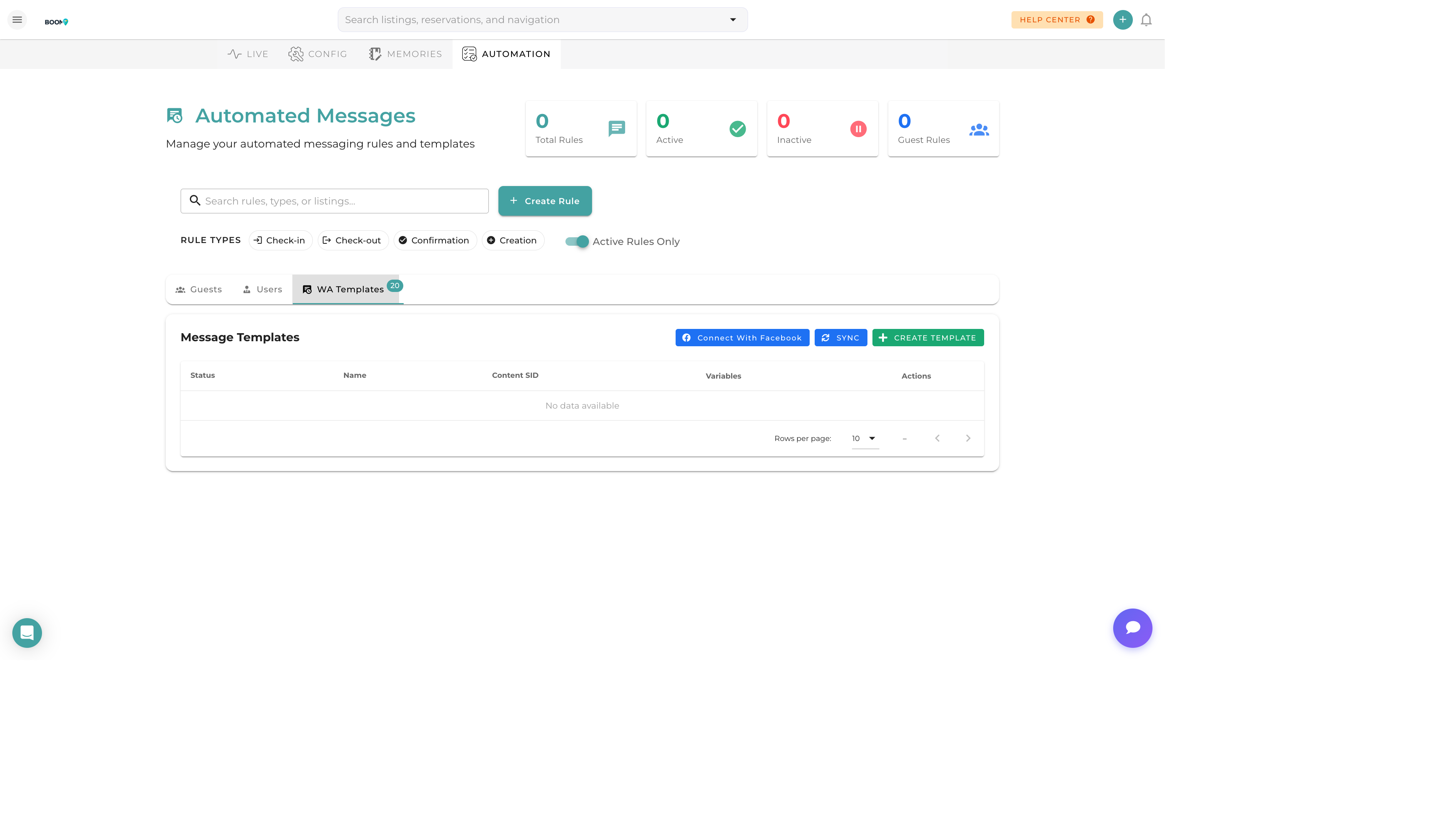
WhatsApp Templates: Manage approved message templates for guest communication
Overview
WhatsApp Business requires message templates to be pre-approved before they can be used for proactive messaging. This ensures compliance with WhatsApp's policies and prevents spam.
Template Types
Utility Templates
Transactional messages about reservations:
- Booking confirmations
- Check-in instructions
- Payment reminders
- Check-out details
Marketing Templates
Promotional messages:
- Special offers
- Discount promotions
- Re-booking invitations
Authentication Templates
Security-related messages:
- Verification codes
- Login confirmations
Managing Templates
Viewing Templates
The template dashboard shows:
- Template Name - Identifier for the template
- Status - Approved, Pending, or Rejected
- Category - Utility, Marketing, or Authentication
- Language - Template language
- Preview - How the message will appear
Creating Templates
New templates must be submitted to WhatsApp for approval:
- Choose an appropriate category
- Write clear, compliant message content
- Add placeholders for dynamic content
- Submit for review (typically 24-48 hours)
Using Placeholders
Templates support dynamic content:
{{1}}- First placeholder (e.g., guest name){{2}}- Second placeholder (e.g., property name){{3}}- Additional placeholders as needed
Approval Process
Submission
After creating a template, it's automatically submitted to WhatsApp for review.
Review
WhatsApp reviews templates for compliance with their business messaging policy. This typically takes 24-48 hours.
Approval Statuses
- Approved - Ready to use
- Pending - Under review
- Rejected - Does not meet guidelines
Rejection Reasons
Common reasons for rejection:
- Promotional content in utility category
- Unclear or misleading content
- Missing required information
- Policy violations
Pro Tips
Keep It Simple
Simple, clear templates get approved faster. Avoid complex formatting or ambiguous language.
Correct Category
Choose the correct category for your template. Utility templates have higher delivery priority than marketing templates.