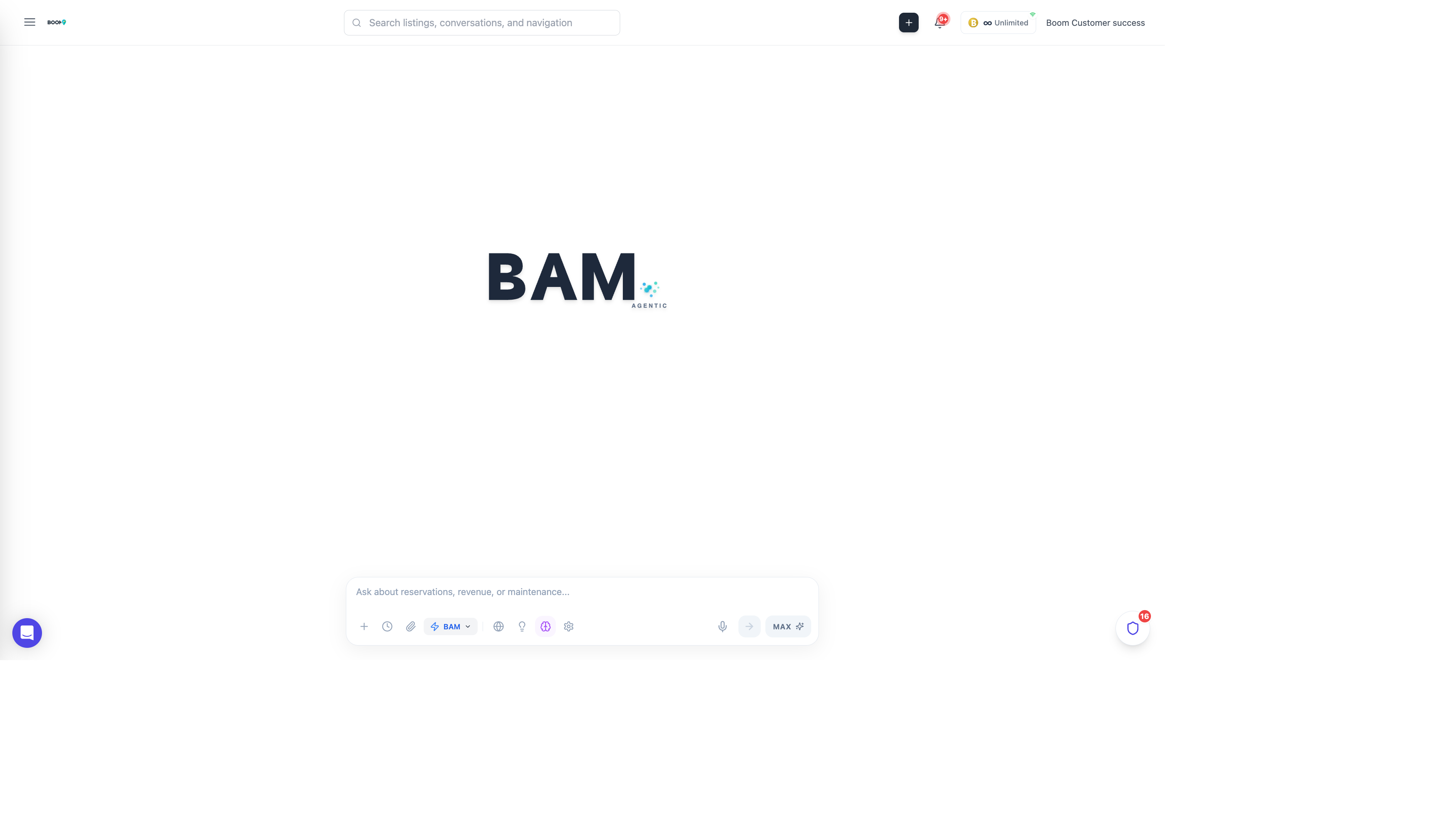
BAM Commands: Quick actions for common tasks
Overview
While BAM understands natural language, you can also use specific commands for common actions. Commands start with a slash (/) and provide quick access to frequently used features.
General Commands
| Command | Description |
|---|---|
/help |
Show available commands and tips |
/clear |
Clear conversation history |
/new |
Start a new conversation |
/settings |
Open BAM configuration |
Data Commands
| Command | Description |
|---|---|
/reservations |
Show today's reservations overview |
/checkins |
List today's check-ins |
/checkouts |
List today's check-outs |
/tasks |
Show pending tasks |
/messages |
Show unread messages |
/revenue |
Display revenue summary |
Action Commands
| Command | Description |
|---|---|
/task [description] |
Create a new task |
/block [property] [dates] |
Block dates for a property |
/message [guest] |
Draft a message to a guest |
/report [type] |
Generate a report |
Playbook Commands
| Command | Description |
|---|---|
/playbooks |
List available playbooks |
/run [playbook-name] |
Execute a playbook |
/create playbook |
Start creating a new playbook |
Keyboard Shortcuts
| Shortcut | Action |
|---|---|
Cmd/Ctrl + K |
Open BAM from anywhere |
Enter |
Send message |
Shift + Enter |
New line in message |
Esc |
Close BAM drawer |
Up Arrow |
Edit last message |
Pro Tips
Command Autocomplete
Type / to see a list of available commands. Use arrow keys to navigate and Enter to select.
Natural Language Fallback
If you forget a command, just describe what you want in natural language. BAM will understand.