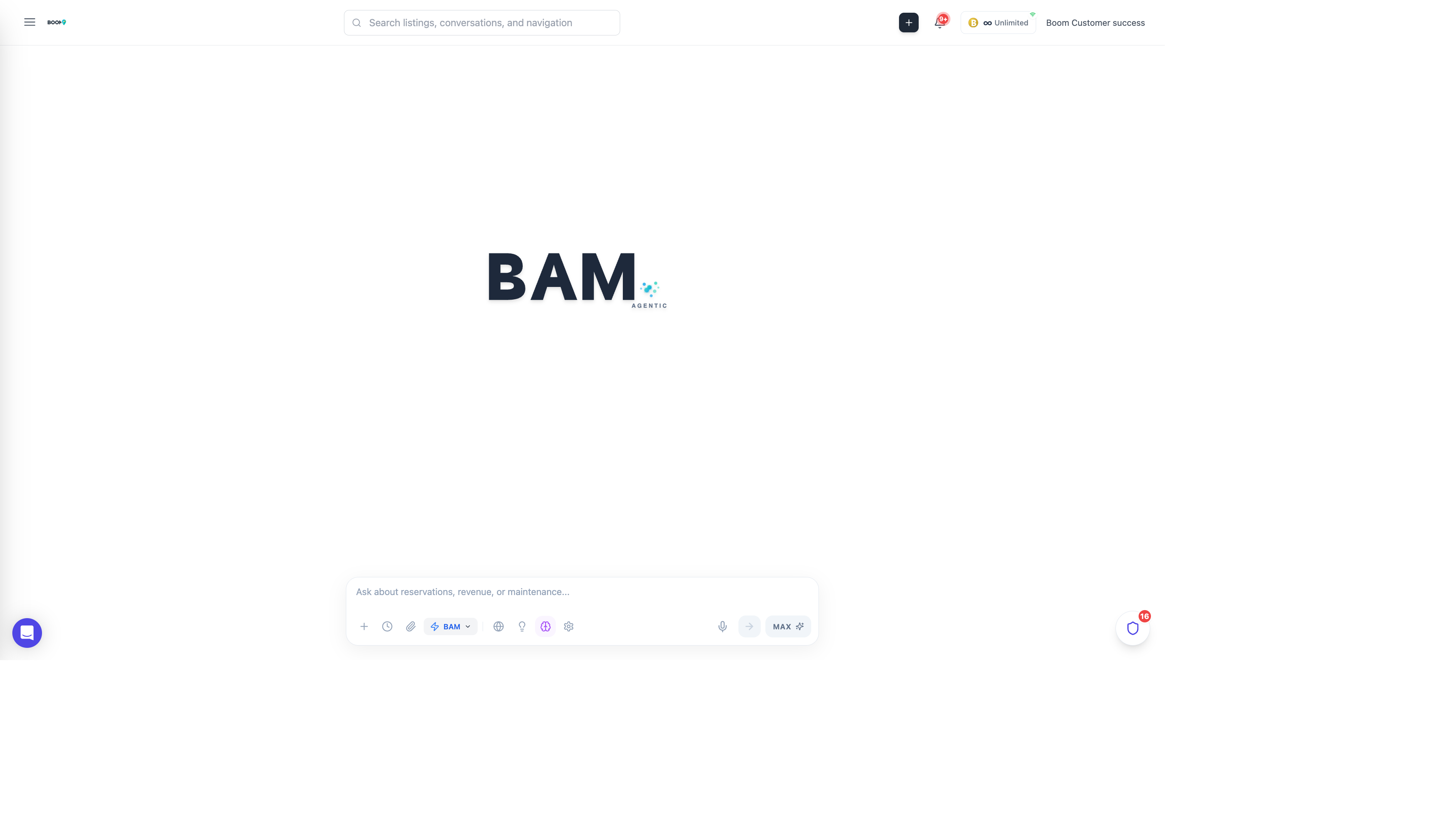
What is BAM?
BAM (Boom Autonomous Manager) is an AI-powered assistant built into Boom PMS. Unlike generic AI chatbots, BAM understands your property management data and can take actions on your behalf.
BAM is powered by Claude, one of the most advanced AI models available, and has direct access to your Boom PMS data through secure API connections.
What BAM Can Do
Answer Questions About Your Data
- "How many reservations do I have this week?"
- "Which property has the highest occupancy rate?"
- "Show me all guests checking in tomorrow"
- "What's my revenue for the last 30 days?"
Manage Tasks and Operations
- "Create a cleaning task for Beach House checkout tomorrow"
- "Assign all pending maintenance tasks to John"
- "Show me overdue tasks for this week"
Draft Guest Communications
- "Draft a welcome message for tonight's check-in"
- "Help me respond to this negative review"
- "Create a late checkout approval message"
Automate Workflows
- Create playbooks for repetitive tasks
- Schedule automated reports
- Set up triggered actions based on events
Operating Modes
Chat Mode
Interactive conversation where you ask questions and receive answers. BAM can show data, create visualizations, and provide recommendations.
Co-Pilot Mode
BAM suggests actions but waits for your approval before executing. This is the default mode for actions that modify data.
Autonomous Mode
For trusted playbooks, BAM can execute actions automatically without approval. Only available for pre-approved workflows.
Security & Privacy
- Data Isolation - BAM only accesses your organization's data
- Role-Based Access - BAM respects user permissions
- Audit Trail - All BAM actions are logged
- No Training - Your data is never used to train AI models
Getting Started
Open BAM Chat
Click "BAM Assistant" in the main navigation menu.
Start with a Question
Ask BAM something about your properties, like "Show me today's check-ins".
Explore Capabilities
Try different types of questions and tasks to learn what BAM can do.