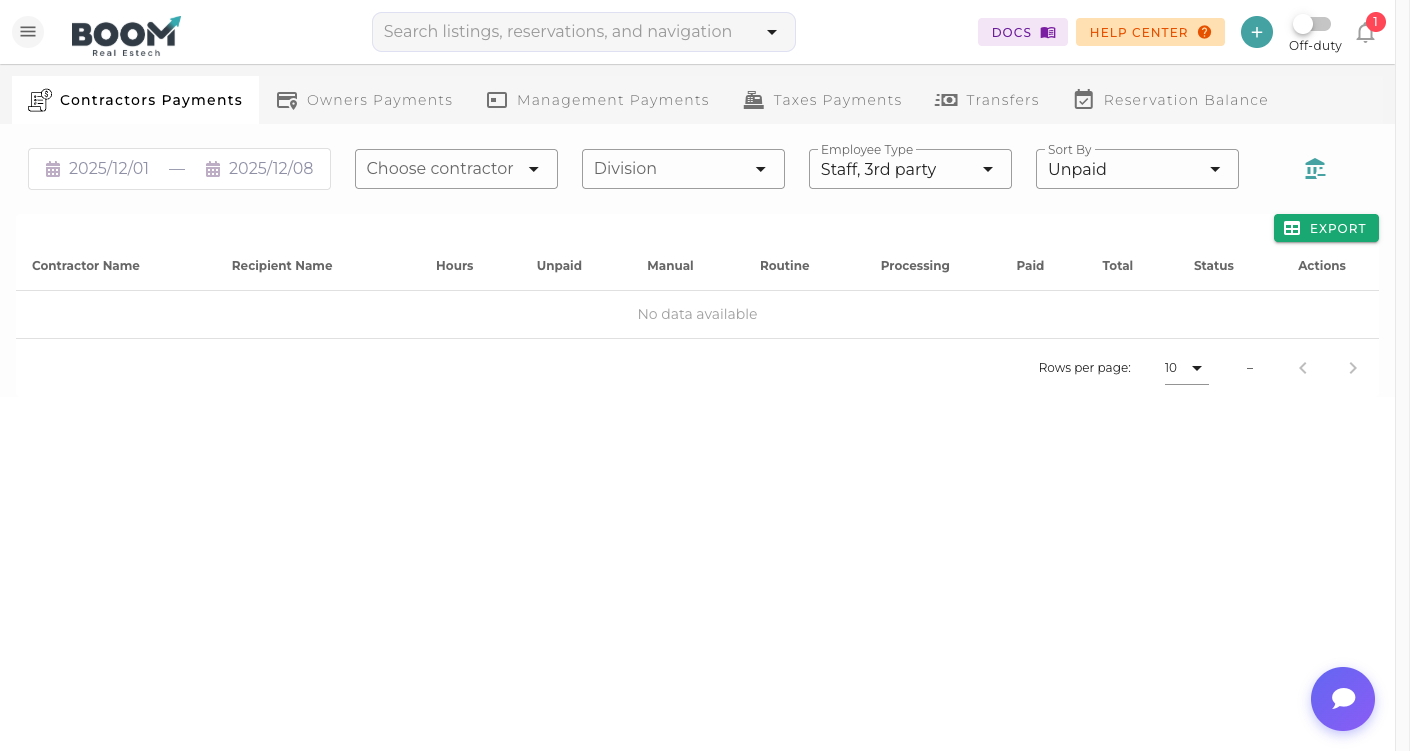
Financials Dashboard: Your complete financial overview at a glance
Overview
The Financials Dashboard provides a comprehensive view of your vacation rental business performance. Track revenue, expenses, and profitability across all your properties in real-time.
Key Metrics
The dashboard displays essential financial metrics:
| Metric | Description |
|---|---|
| Total Revenue | All income from reservations and services |
| Total Expenses | Operating costs and property expenses |
| Net Income | Profit after all expenses |
| Occupancy Rate | Percentage of booked nights |
| ADR | Average Daily Rate across properties |
| RevPAR | Revenue Per Available Room |
Dashboard Sections
Revenue Chart
Visual breakdown of income over time with filters for:
- Daily, weekly, monthly, or yearly view
- By property or property group
- By revenue source (accommodations, fees, extras)
Expense Breakdown
Pie chart showing expense categories:
- Cleaning and maintenance
- Utilities
- Management fees
- Channel commissions
- Other operating costs
Outstanding Payments
Quick view of money owed to you and by you:
- Pending guest payments
- Overdue invoices
- Upcoming owner payouts
Using Filters
Customize your dashboard view with these filters:
- Date Range - Select custom time periods
- Properties - Focus on specific listings
- Compare - Compare periods year-over-year
Tips
Pro Tip
Set up the dashboard as your home page to stay on top of your business finances every time you log in.
Was this guide helpful?
Thanks for your feedback!