Overview
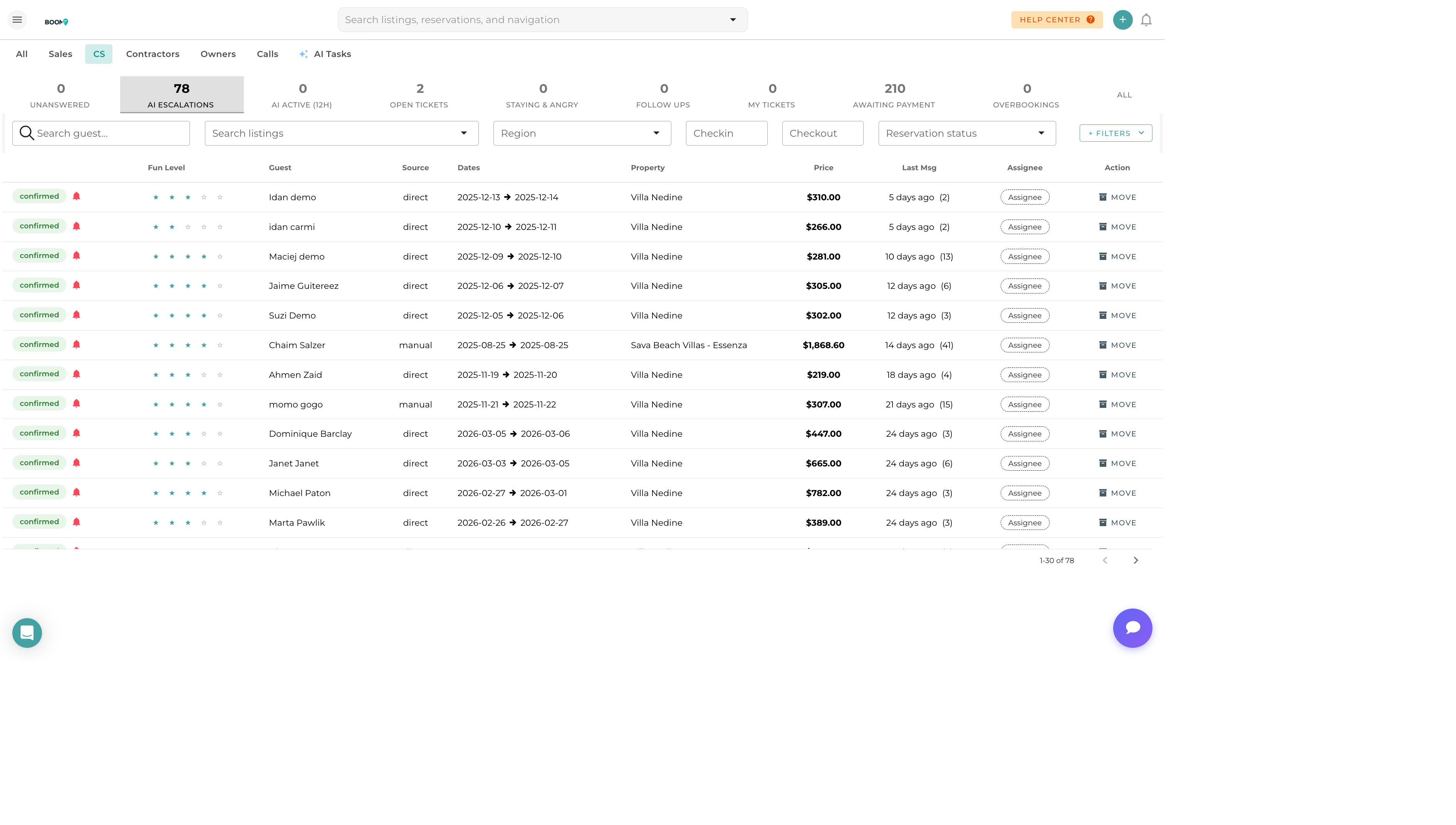
AI-suggested responses analyze incoming guest messages and generate intelligent reply suggestions. Get accurate answers to common questions in seconds, then review, customize, and send. Respond faster while maintaining a personal touch.
How It Works
-
Guest Sends Message
Question or inquiry arrives in inbox
-
AI Analyzes Content
System understands intent and context
-
Suggestion Generated
AI creates a draft response
-
You Review
Check and customize the suggestion
-
Send
Send as-is or after editing
Using AI Suggestions
-
Open Conversation
Select a message that needs a response
-
Click AI Assist
Find the AI button in the compose area
-
Review Suggestion
AI generates a draft response
-
Edit if Needed
Personalize or add specific details
-
Send
Send the response to the guest
What AI Knows About
The AI has access to relevant context for accurate responses:
| Information | Used For |
|---|---|
| Property Details | Amenities, location, features, house rules |
| Reservation Data | Dates, guests count, pricing, status |
| Guest History | Past stays, preferences, notes |
| Check-In Info | Access codes, directions, instructions |
| FAQs | Common questions and standard answers |
| Your Templates | Matches response style to your brand |
Questions AI Handles Well
Pre-Booking
- What amenities do you have?
- Is early check-in available?
- Do you allow pets?
- What's near the property?
Pre-Arrival
- What's the check-in time?
- How do I get to the property?
- What's the door code?
- Is parking available?
During Stay
- How does the TV/WiFi work?
- Where are extra towels?
- What's the checkout process?
- Can I extend my stay?
Post-Stay
- I left something behind
- Questions about charges
- Want to book again
Customizing Suggestions
Always review AI suggestions before sending:
Things to Check
- Accuracy - Is the information correct?
- Completeness - Does it answer the full question?
- Tone - Does it match your brand voice?
- Personalization - Add guest name, specific details
When to Edit
- Adding specific property details
- Including local recommendations
- Addressing unusual requests
- Handling complaints or issues
AI Response Settings
Customize how AI suggestions work:
| Setting | Options |
|---|---|
| Auto-suggest | On/Off - Show suggestions automatically |
| Tone | Professional, Friendly, Casual |
| Length | Brief, Standard, Detailed |
| Language | Match guest language or default |
Best Practices
- Keep property info updated - Better data = better suggestions
- Review every response - Don't send without checking
- Add personal touches - Make responses feel human
- Use for routine questions - Save time on common inquiries
- Handle complex issues personally - Complaints, problems, special requests
- Train the AI - Edit suggestions to improve future accuracy
Was this guide helpful?
Thanks for your feedback!