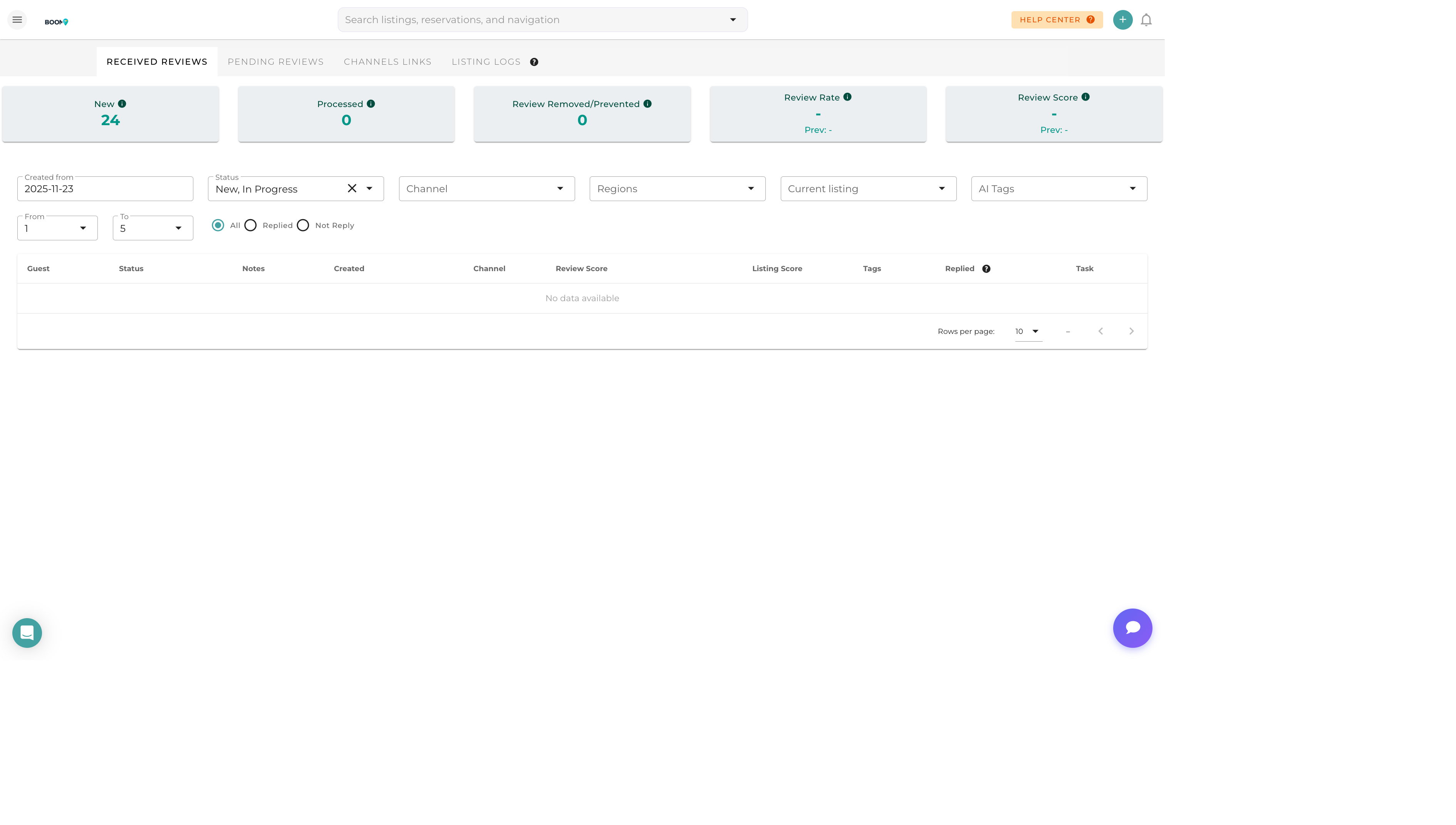
Overview
The AI Review Response feature uses advanced language models to generate professional, contextually appropriate responses to guest reviews. Save time while maintaining high-quality, personalized communication.
Using AI Suggestions
Open a Review
Click on any review to open the response editor.
Click AI Suggest
Click the "AI Suggest" button to generate a response suggestion.
Review the Suggestion
The AI will analyze the review content, rating, and context to generate an appropriate response.
Edit as Needed
Review the suggestion and make any edits to add personal touches or adjust the tone.
Post Response
Once satisfied, click "Post Response" to publish.
How AI Responses Work
Context Analysis
The AI considers:
- Review text and sentiment
- Star rating or score
- Specific issues or praise mentioned
- Property details and amenities
- Guest name for personalization
Tone Matching
Responses are crafted to match the appropriate tone:
- Positive reviews - Warm, grateful, inviting
- Negative reviews - Apologetic, solution-focused, professional
- Mixed reviews - Balanced, acknowledging, constructive
Best Practice Integration
AI suggestions follow hospitality industry best practices for review responses, including gratitude, personalization, and invitation to return.
Customization Options
Response Tone
Choose the overall tone for generated responses:
- Professional - Business-like and formal
- Friendly - Warm and conversational
- Casual - Relaxed and approachable
Response Length
- Brief - Short, focused responses
- Standard - Balanced length with key elements
- Detailed - Comprehensive responses for complex reviews
Brand Voice
Configure your brand voice settings to ensure AI responses match your company's communication style.