Overview
Responding to reviews shows that you value guest feedback and helps build trust with potential bookers. Boom PMS lets you respond to reviews directly without logging into each booking channel.
How to Respond
Find the Review
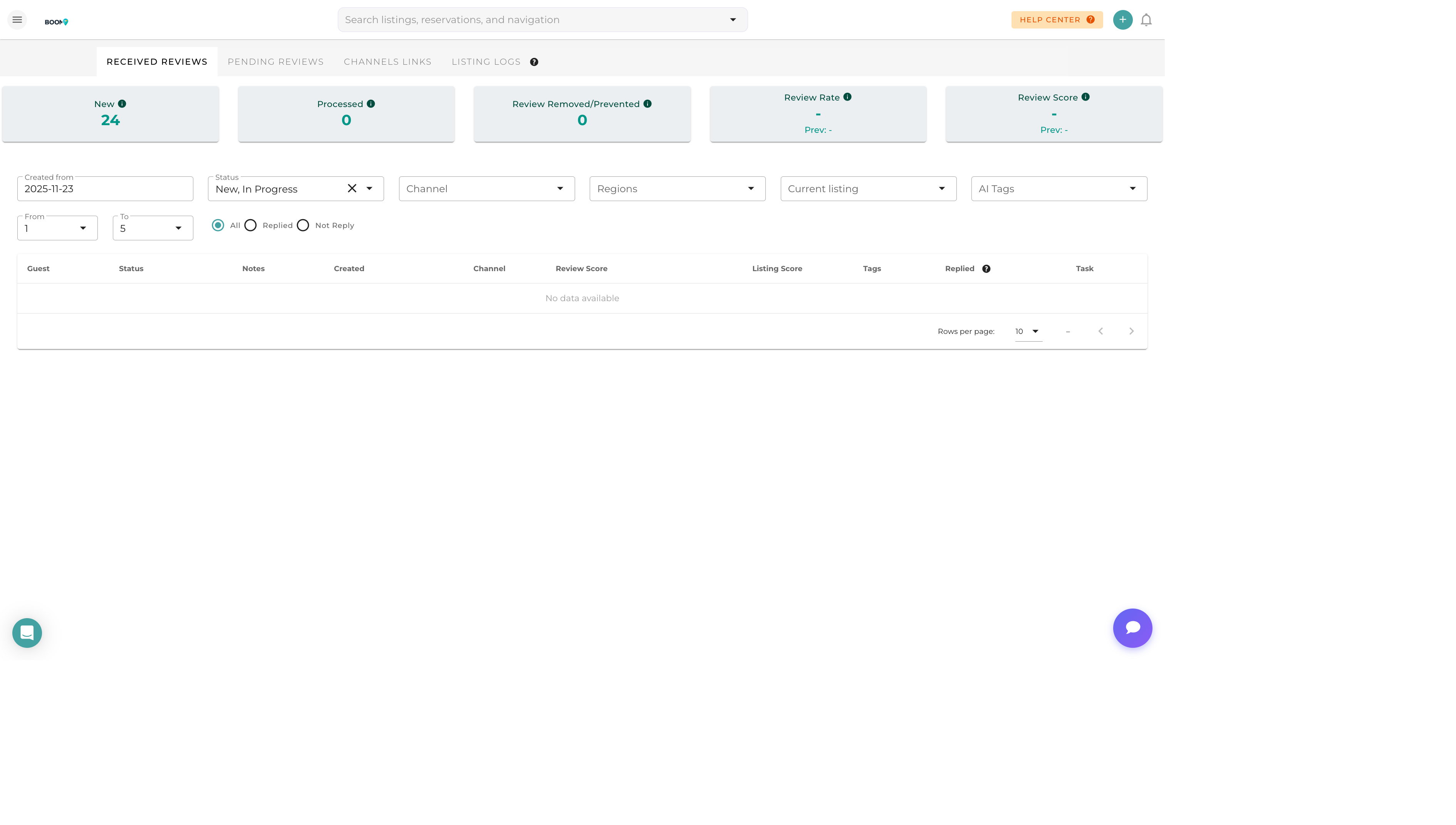
Navigate to Marketing > Reviews and locate the review you want to respond to.
Click Respond
Click the "Respond" button on the review card to open the response editor.
Write Your Response
Compose your response in the text editor. You can use the AI suggestion feature for help.
Preview and Post
Review your response, then click "Post Response" to publish it to the channel.
Response Best Practices
For Positive Reviews
- Thank the guest sincerely
- Reference specific things they mentioned enjoying
- Invite them to return
- Keep it warm but concise
For Negative Reviews
- Acknowledge their concerns without being defensive
- Apologize for their experience
- Explain any steps taken to address the issue
- Offer to discuss further offline if appropriate
- Stay professional regardless of tone
For Mixed Reviews
- Thank them for both the positives and the feedback
- Address concerns while acknowledging what went well
- Show commitment to improvement
Key Response Elements
Personalization
Use the guest's name and reference specific details from their stay to show you read their review carefully.
Gratitude
Thank guests for taking time to write a review, regardless of rating.
Action
For issues raised, explain what you've done or will do to address them.
Invitation
When appropriate, invite them to return or book again.
Channel-Specific Notes
Airbnb
- Responses are public and visible to all users
- Character limit of 1,000 characters
- You have 30 days to respond after a review is posted
Booking.com
- Responses appear below the guest review
- No strict character limit but brevity is encouraged
- Response time affects your quality score
VRBO/Expedia
- Responses are moderated before posting
- May take 24-48 hours to appear
- Keep responses professional and on-topic