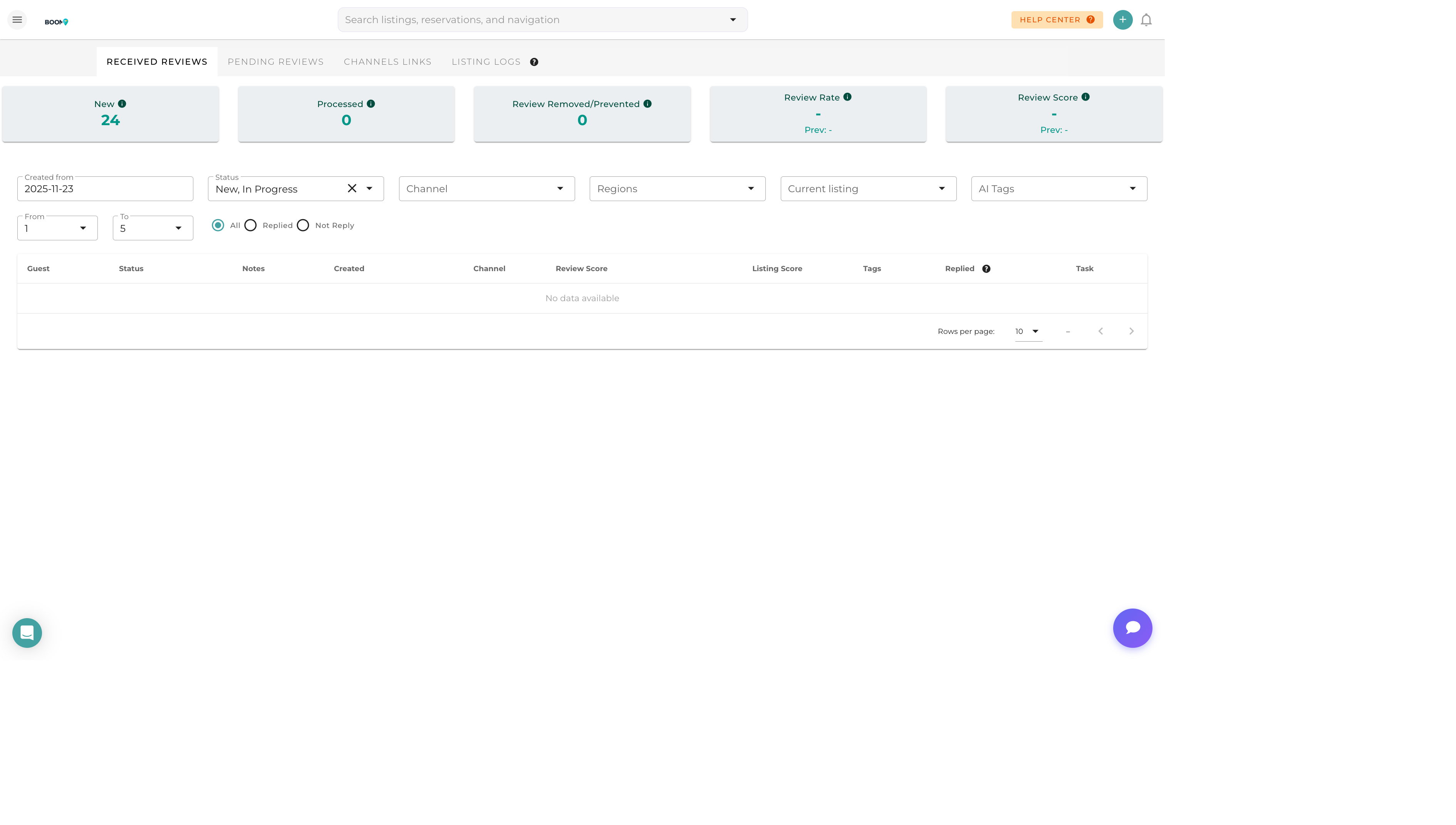
Overview
Review Analytics provides insights into your guest satisfaction trends across all properties and booking channels. Use these metrics to identify areas for improvement and track the impact of changes over time.
Key Metrics
Overall Rating
Your average rating across all reviews and properties. Track how this changes over time.
Rating Distribution
Breakdown of reviews by star rating (5-star, 4-star, etc.). Helps identify the proportion of highly satisfied vs. dissatisfied guests.
Review Volume
Number of reviews received per period. Trends in volume can indicate booking activity changes.
Response Rate
Percentage of reviews that have received a response. Higher response rates positively impact future bookings.
Response Time
Average time between receiving a review and posting a response.
Analysis Views
By Property
Compare ratings and review counts across your portfolio to identify top performers and properties needing attention.
By Channel
See how ratings vary between Airbnb, Booking.com, and other channels. Different platforms may attract different guest expectations.
By Time Period
Track rating trends over weeks, months, or years. Identify seasonal patterns or the impact of improvements.
By Category
When available, view subcategory ratings like cleanliness, communication, location, and value.
Sentiment Analysis
AI-powered analysis of review text reveals common themes:
Positive Themes
- What guests praise most often
- Unique selling points highlighted by guests
- Amenities that receive positive mentions
Areas for Improvement
- Common complaints or issues
- Features guests wish were available
- Service gaps mentioned repeatedly
Word Cloud
Visual representation of most frequently mentioned terms in positive and negative reviews.
Benchmarking
Compare your performance against:
- Your Portfolio Average - How individual properties compare to your overall performance
- Historical Performance - How current ratings compare to previous periods
- Goals - Track progress toward rating targets you've set
Reports
Monthly Summary
Automated report showing key metrics, notable reviews, and trends for the month.
Property Report
Detailed analysis for a specific property, useful for owner reporting.
Export Data
Download review data to CSV for external analysis or reporting.