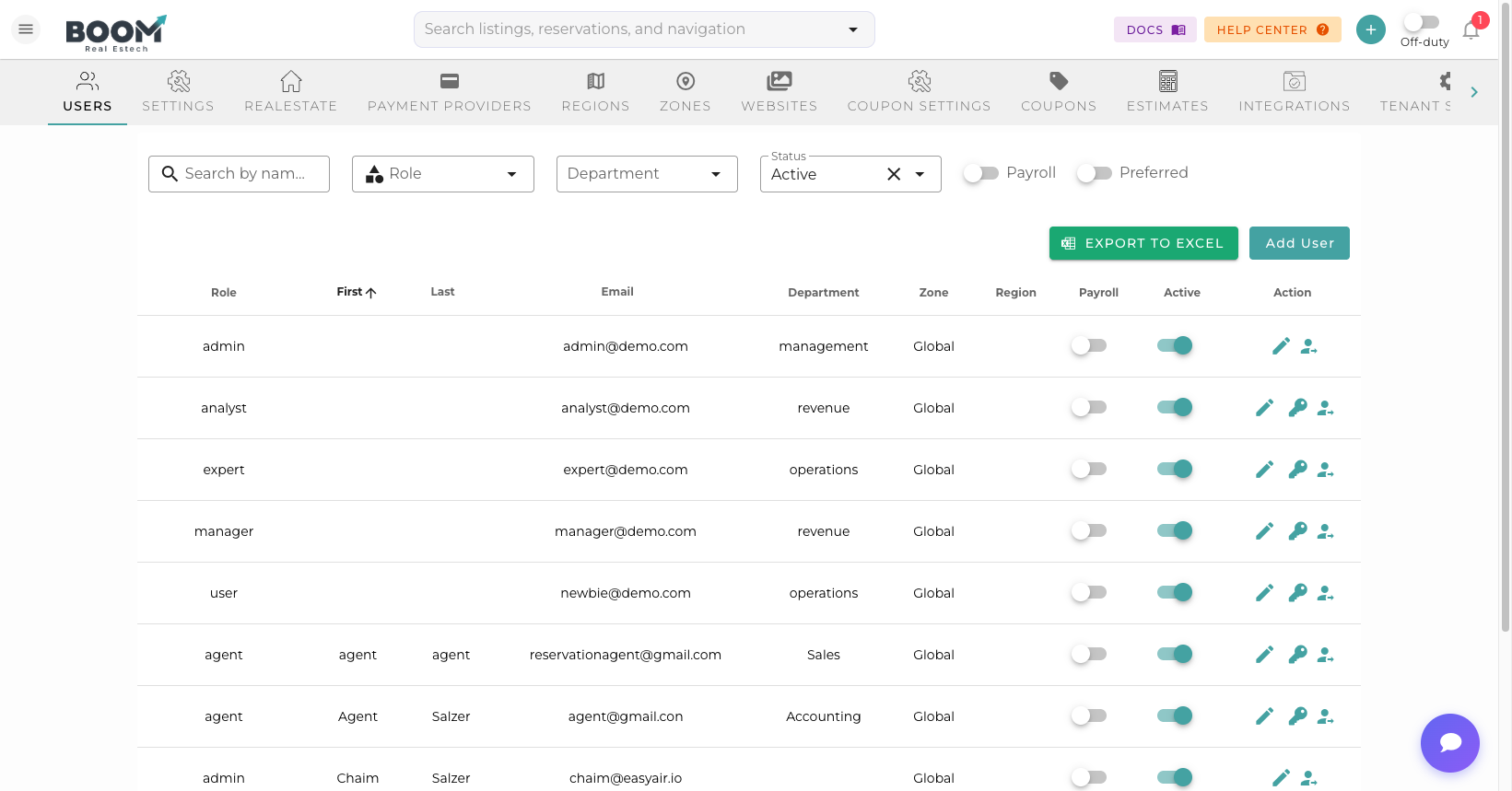
System Settings: Configure organization-wide preferences
Overview
System Settings control the fundamental configuration of your Boom PMS account. These settings affect how the system operates across all users and properties.
Company Information
- Company Name - Your business name displayed in communications
- Contact Email - Primary contact email for the account
- Phone Number - Business phone number
- Address - Business address for invoices and communications
- Logo - Company logo for branding
Regional Settings
Time Zone
Sets the default time zone for all date/time displays. Individual properties can override this setting.
Date Format
Choose how dates are displayed:
- MM/DD/YYYY (US format)
- DD/MM/YYYY (International format)
- YYYY-MM-DD (ISO format)
Currency
Default currency for pricing and financial reports. Multi-currency support is available for international operations.
Language
Default interface language. Users can override this in their personal preferences.
Booking Settings
- Default Check-in Time - Standard arrival time
- Default Check-out Time - Standard departure time
- Default Minimum Stay - Base minimum nights requirement
- Booking Confirmation - Auto-confirm or require manual approval
Communication Settings
- From Email Address - Sender address for outgoing emails
- Reply-To Address - Where guest replies are directed
- Email Signature - Default signature for emails
- SMS Sender ID - Display name for SMS messages
Pro Tips
Time Zone Accuracy
Ensure your time zone is set correctly. Incorrect time zones can cause confusion with check-in times and automated messages.
Currency Changes
Changing the default currency affects new reservations only. Existing reservations retain their original currency.