Overview
The Channel Manager is your central hub for distributing properties across multiple booking platforms. From here, you can manage connections to Online Travel Agencies (OTAs) like Airbnb, Booking.com, VRBO, and 50+ other channels.
Understanding the Interface
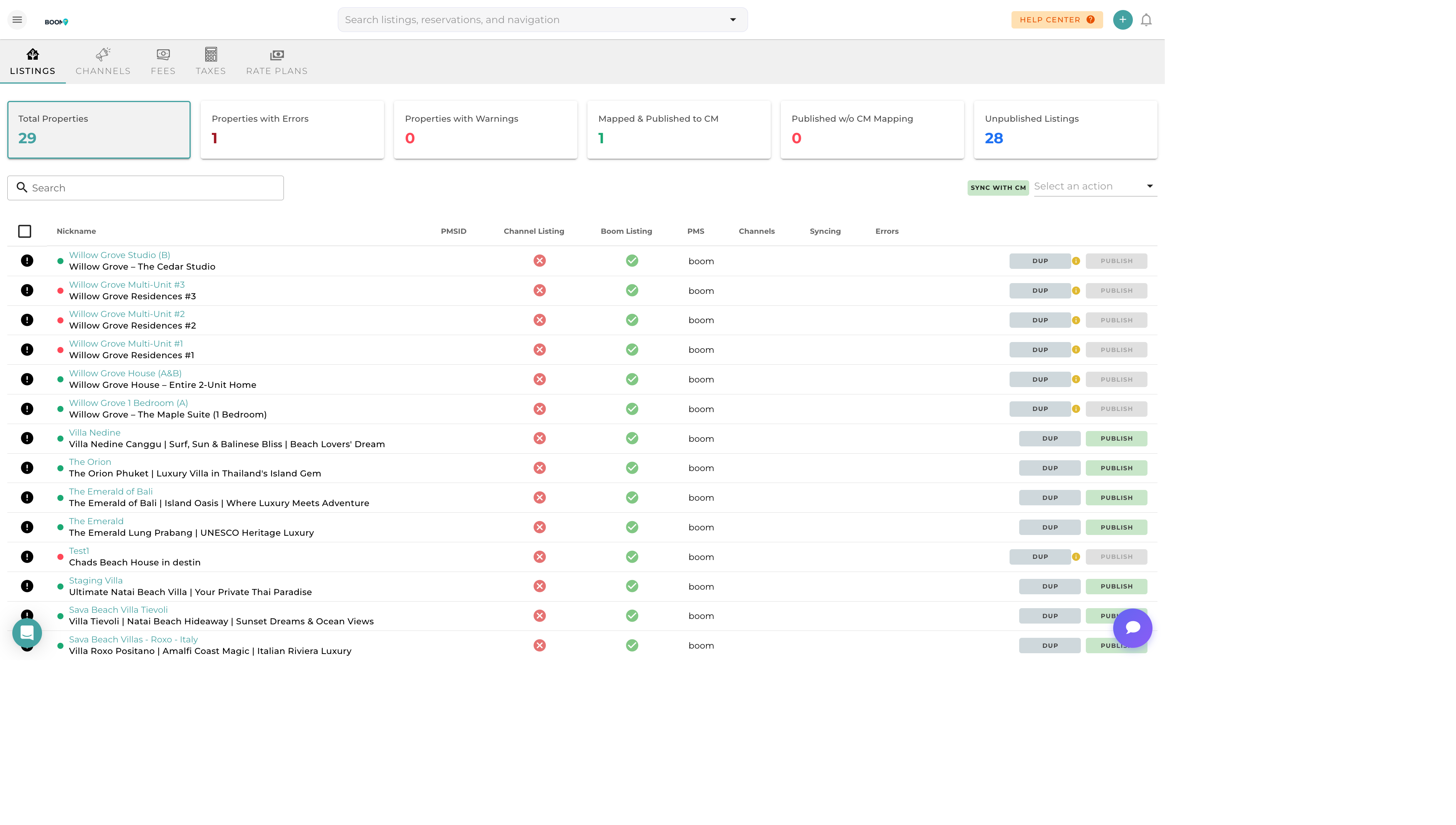
Listings Tab
View all your properties and their channel distribution status:
- Property List - All properties in your portfolio
- Channel Icons - Shows which channels each property is connected to
- Sync Status - Green check for synced, yellow warning for issues
- Last Sync Time - When the property was last synchronized
Channels Tab
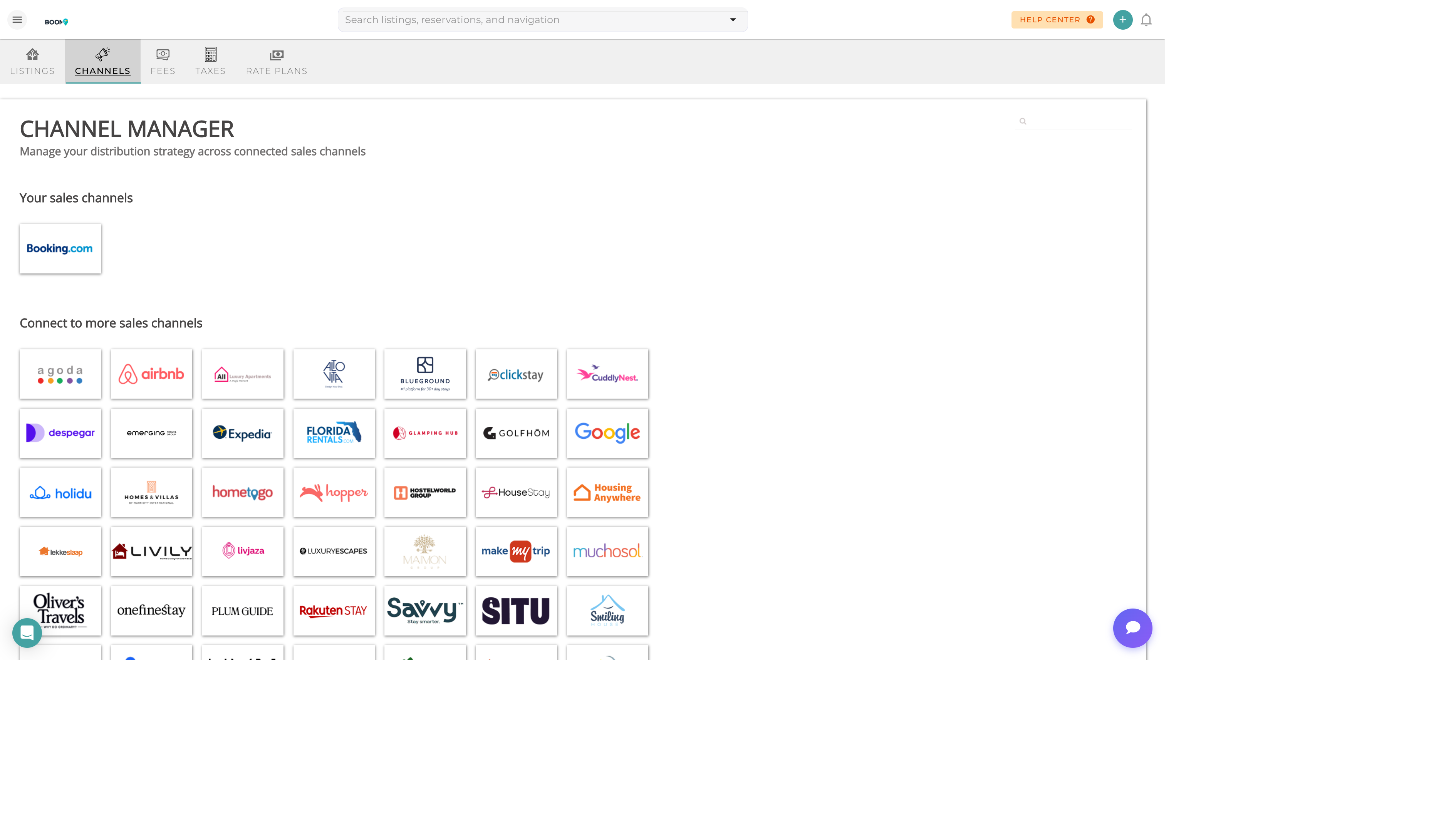
Manage your connected booking platforms:
- Connected Channels - Active channel connections
- Available Channels - Channels you can connect to
- Connection Status - Authentication and sync health
- Settings - Channel-specific configuration
Property Channel Links

View and manage the channel connections for each property, including listing URLs and IDs.
Key Features
Real-Time Sync
Availability and pricing changes are pushed to connected channels within minutes, preventing double bookings.
Central Content Management
Update property descriptions, photos, and amenities once and push to all channels.
Reservation Import
Bookings from all channels are automatically imported into your calendar.
Error Monitoring
Get alerts when sync issues occur so you can address them quickly.