Airbnb Integration: Connect your Airbnb listings to Boom
Overview
Connect your Airbnb account to Boom PMS for two-way synchronization of availability, pricing, reservations, and guest messaging. This integration uses Airbnb's official API for reliable, real-time updates.
Prerequisites
- Active Airbnb host account
- Properties already listed on Airbnb
- Admin access in Boom PMS
- Airbnb account email and password ready
Connection Steps
1
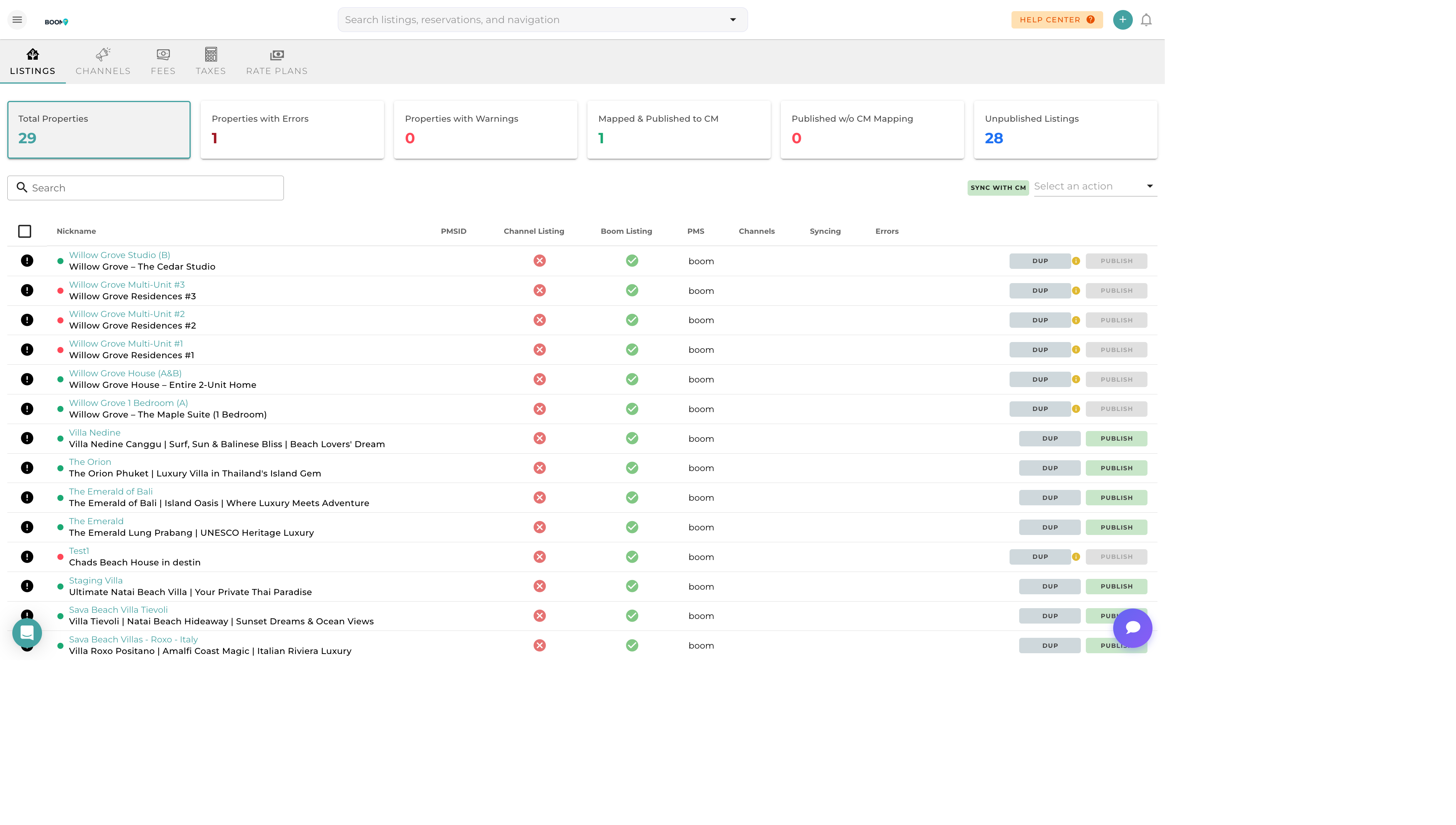
Navigate to Channel Manager
Go to Marketing > Channel Manager and click on the "Channels" tab.
2
Select Airbnb
Find Airbnb in the available channels list and click "Connect".
3
Authorize Access
You'll be redirected to Airbnb to authorize Boom PMS. Log in with your Airbnb credentials and grant the requested permissions.
4
Import Listings
After authorization, your Airbnb listings will be imported. Review and map them to your existing Boom properties or create new ones.
5
Configure Sync Settings
Set your preferences for availability sync, pricing updates, and message forwarding.
What Syncs
Availability (Two-Way)
- Calendar blocks push to Airbnb
- Airbnb reservations import to Boom
- Real-time updates prevent double bookings
Pricing (Boom to Airbnb)
- Base nightly rates
- Seasonal pricing adjustments
- Minimum stay requirements
- Dynamic pricing (if enabled)
Reservations (Airbnb to Boom)
- Guest name and contact information
- Check-in/check-out dates
- Payment details
- Number of guests
Messaging (Two-Way)
- Airbnb messages appear in unified inbox
- Reply from Boom PMS directly
- Automated messages can be sent via Airbnb
Troubleshooting
Connection Failed
- Verify your Airbnb credentials are correct
- Ensure you have an active Airbnb host account
- Disable any browser extensions that might block OAuth
- Try using an incognito/private browser window
Listings Not Importing
- Wait a few minutes for the import to complete
- Refresh the channel manager page
- Ensure listings are active on Airbnb (not snoozed or unlisted)
Sync Errors
- Check for authentication expiration (reconnect if needed)
- Review error messages in the sync log
- Contact support if issues persist
Pro Tips
Single Source of Truth
Once connected, manage all pricing and availability from Boom PMS. Changes made directly on Airbnb may be overwritten during sync.
Keep Credentials Secure
Never share your Airbnb login credentials. Use a strong, unique password and enable two-factor authentication on your Airbnb account.