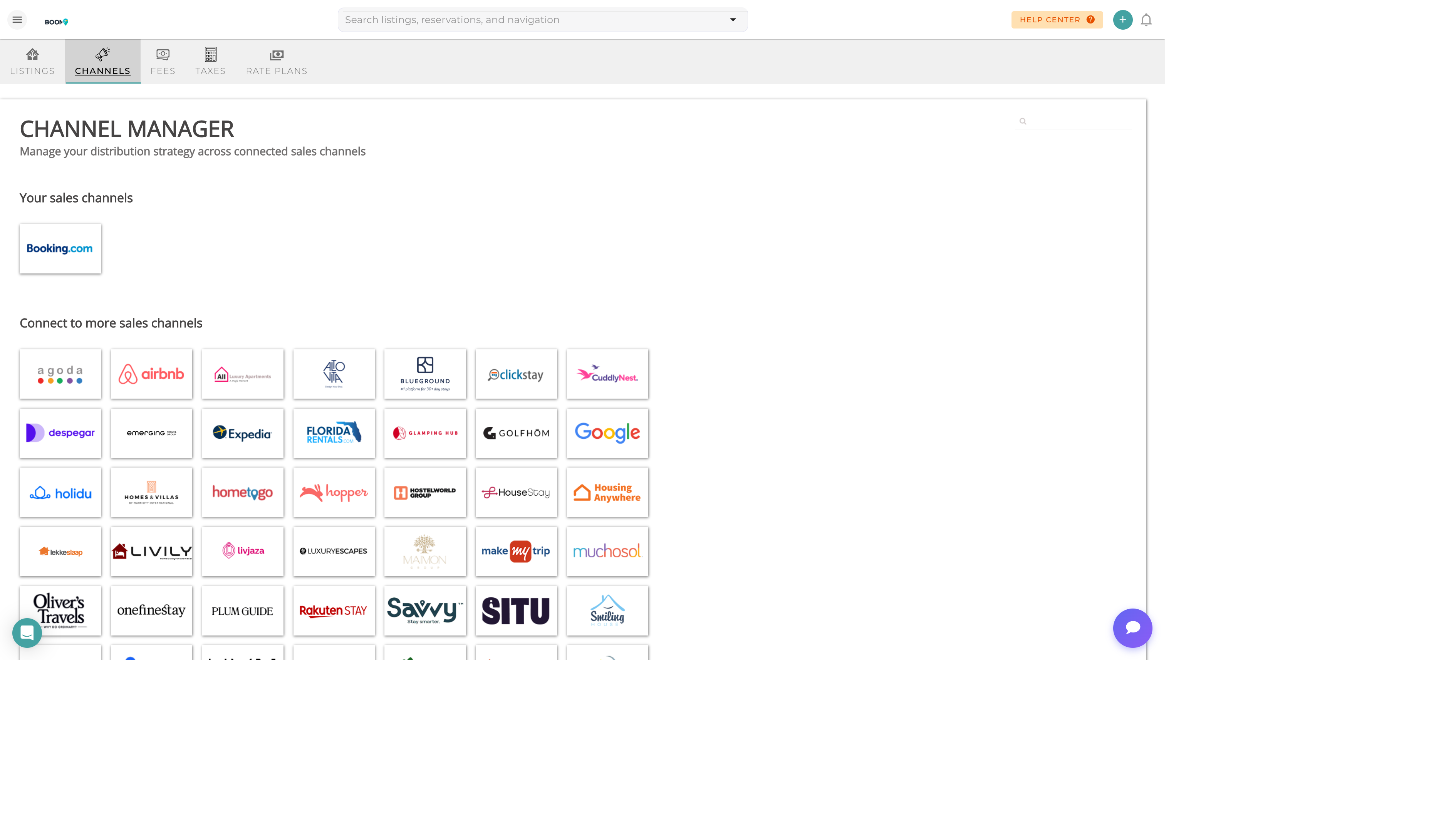
Channel Manager: Monitor connection status and resolve issues
Overview
Channel connections can occasionally experience sync issues. This guide helps you identify and resolve common problems with Airbnb, Booking.com, VRBO, and other OTA integrations.
Common Issues
| Issue | Cause | Solution |
|---|---|---|
| Connection Disconnected | API token expired or revoked | Re-authenticate by reconnecting the channel |
| Rates Not Syncing | Price format mismatch or currency issue | Check currency settings and rate rules |
| Availability Mismatch | Calendar sync delay or conflict | Force a manual sync from Channel Manager |
| Booking Import Failed | Missing required guest data | Check channel mapping for required fields |
| Listing Not Found | Property mapping broken | Re-map the listing in channel settings |
Reconnecting a Channel
- Open Channel Manager
Navigate to Channels in the main menu
- Find the Channel
Locate the disconnected channel (shown with red status)
- Click Reconnect
Follow the OAuth flow to re-authenticate
- Verify Mappings
Ensure all properties are correctly mapped
- Force Sync
Trigger a full sync to update all data
Checking Sync Status
Monitor your channel health from the Channel Manager dashboard:
- Green - Connected and syncing normally
- Yellow - Connected but with warnings
- Red - Disconnected or error state
Tips
Important
Never disconnect a channel during active reservations. Always ensure all bookings are confirmed before making connection changes.
Was this guide helpful?
Thanks for your feedback!