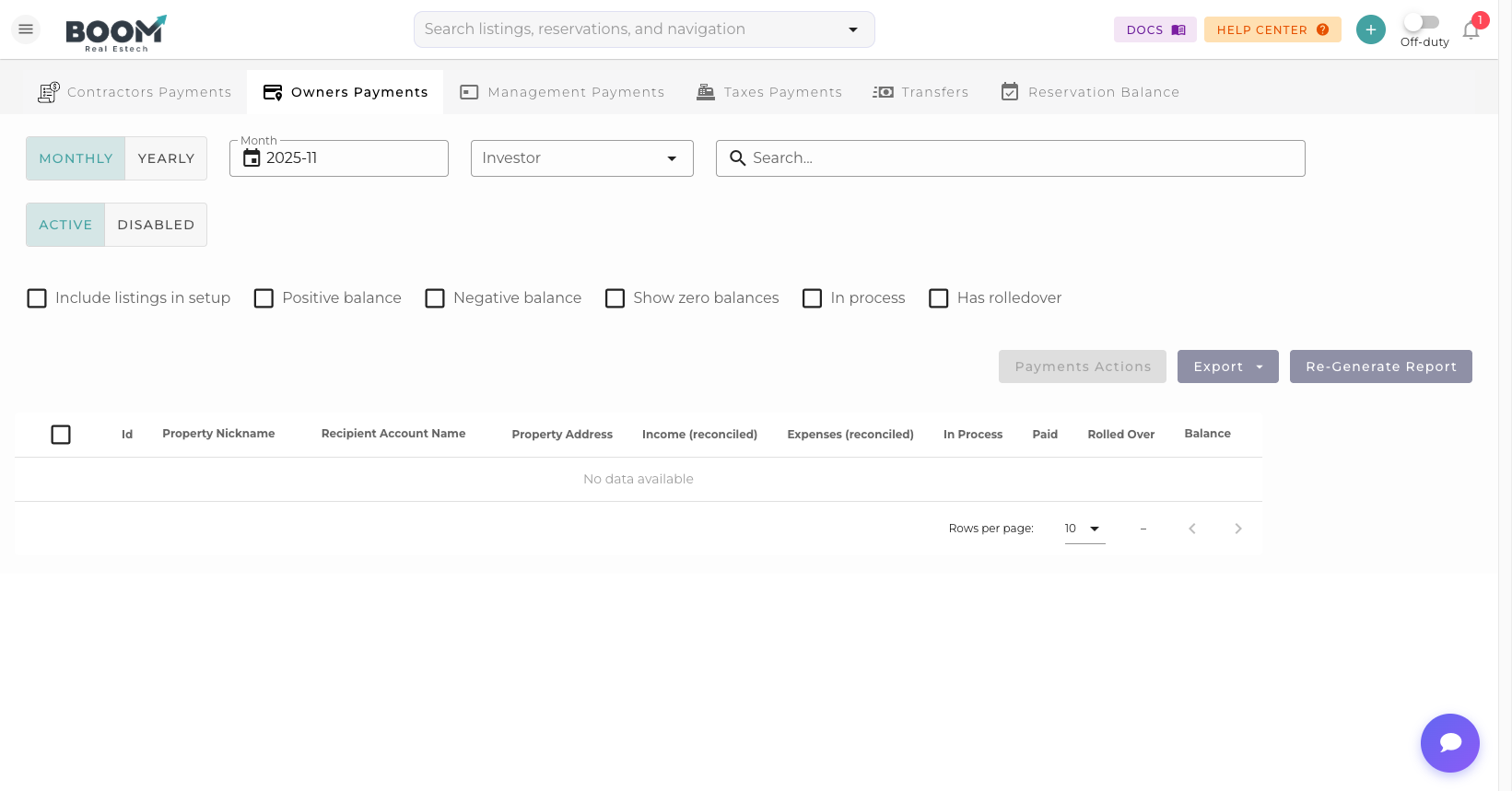
Owner Payments: Track and process property owner payouts
Overview
Owner Payments helps property managers handle payouts to property owners. Generate statements, calculate management fees, deduct expenses, and process payments all in one place.
Statement Components
Each owner statement includes:
| Component | Description |
|---|---|
| Gross Revenue | Total rental income for the period |
| Management Fee | Your percentage or flat fee |
| Channel Fees | OTA commissions (Airbnb, VRBO, etc.) |
| Expenses | Maintenance, cleaning, supplies |
| Reserves | Held funds for future expenses |
| Net Payout | Final amount due to owner |
Generating Statements
- Select Period
Choose the statement period (monthly, quarterly)
- Select Owners
Generate for one or all owners
- Review Calculations
Verify income and deductions
- Approve Statement
Lock the statement for payment
- Send to Owner
Email the statement PDF
Processing Payments
Pay owners via multiple methods:
- ACH Transfer - Direct bank deposit
- Check - Record manual check payments
- Wire Transfer - For international owners
Important
Always reconcile all reservations before generating final owner statements to ensure accurate payouts.
Automated Payouts
Set up automatic owner payments:
- Schedule monthly or bi-weekly payouts
- Automatic statement generation
- Email notifications to owners
- ACH batch processing
Tips
Pro Tip
Use reserves to hold back funds for expected expenses like property taxes or HOA fees, avoiding surprises for owners.
Was this guide helpful?
Thanks for your feedback!