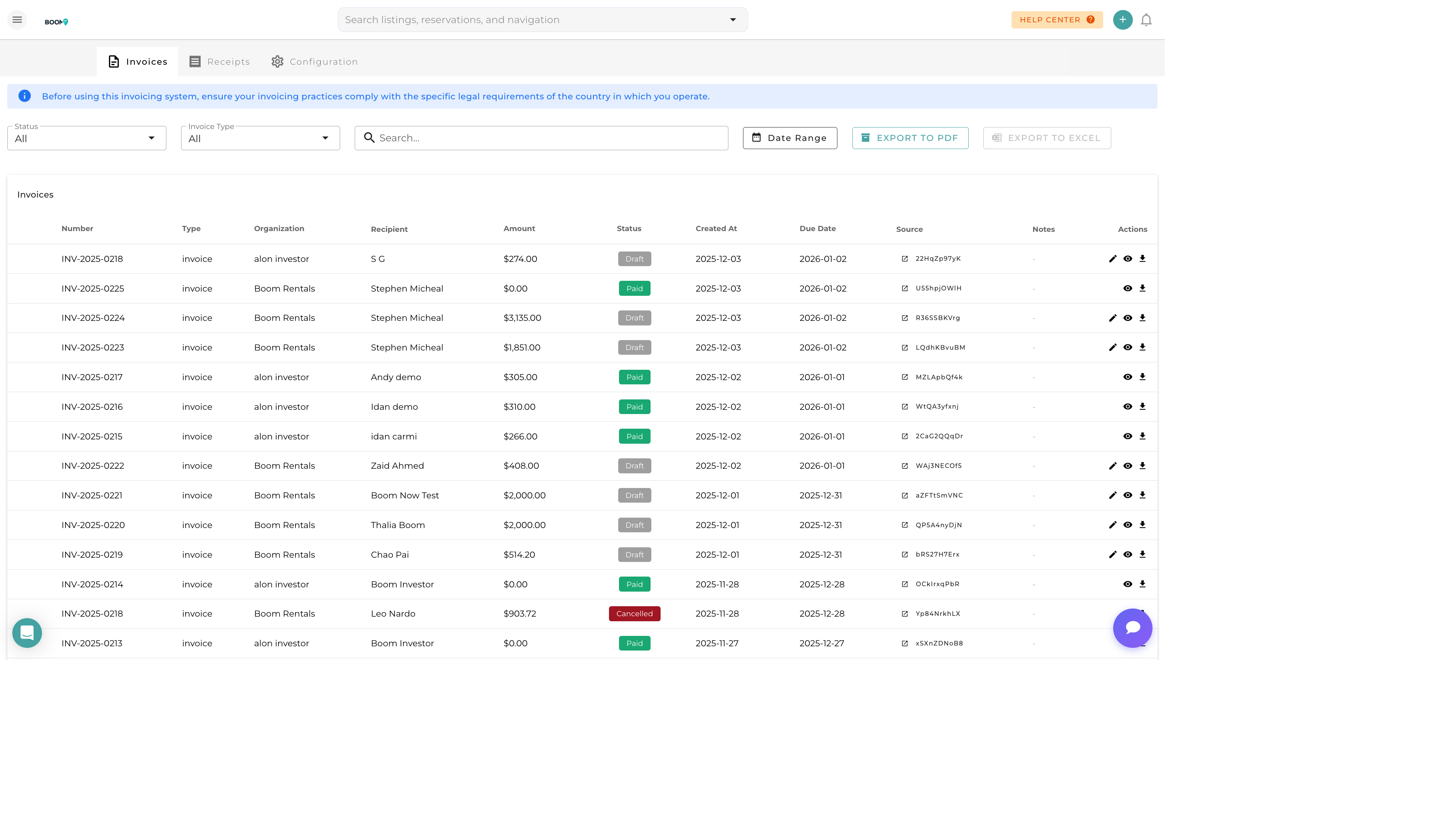
Overview
The Invoices & Payments module handles all billing for your vacation rental business. Create invoices for guests, track payment collection, send reminders, and process refunds all from one place.
Invoice Types
Guest Invoices
Automatically generated for reservations including:
- Accommodation charges
- Cleaning fees
- Additional services
- Taxes
Owner Invoices
Statements for property owners showing:
- Rental income
- Management fees
- Expenses charged
- Net payout amount
Custom Invoices
Manual invoices for any purpose not tied to a reservation.
Creating an Invoice
Navigate to Invoices
Go to Accounting > Invoices from the main menu.
Click Create Invoice
Click the "New Invoice" button.
Select Customer
Choose the guest or owner to invoice.
Add Line Items
Add charges with descriptions, quantities, and amounts.
Set Payment Terms
Configure due date and accepted payment methods.
Send Invoice
Email the invoice directly to the customer.
Recording Payments
Online Payments
Payments via Stripe are automatically recorded when guests pay through the payment link.
Manual Payments
Record offline payments (cash, check, wire transfer):
- Open the invoice
- Click "Record Payment"
- Enter amount and payment method
- Save to update the balance
Partial Payments
Accept partial payments and track remaining balance. Multiple payments can be applied to a single invoice.
Payment Tracking

Track payment status across all invoices:
- Draft - Invoice created but not sent
- Sent - Invoice emailed to customer
- Viewed - Customer has opened the invoice
- Partial - Some payment received
- Paid - Fully paid
- Overdue - Past due date
Payment Reminders
Send reminders for unpaid invoices:
- Manual - Send a reminder email on demand
- Automatic - Schedule reminders before and after due date
- Templates - Customize reminder message content