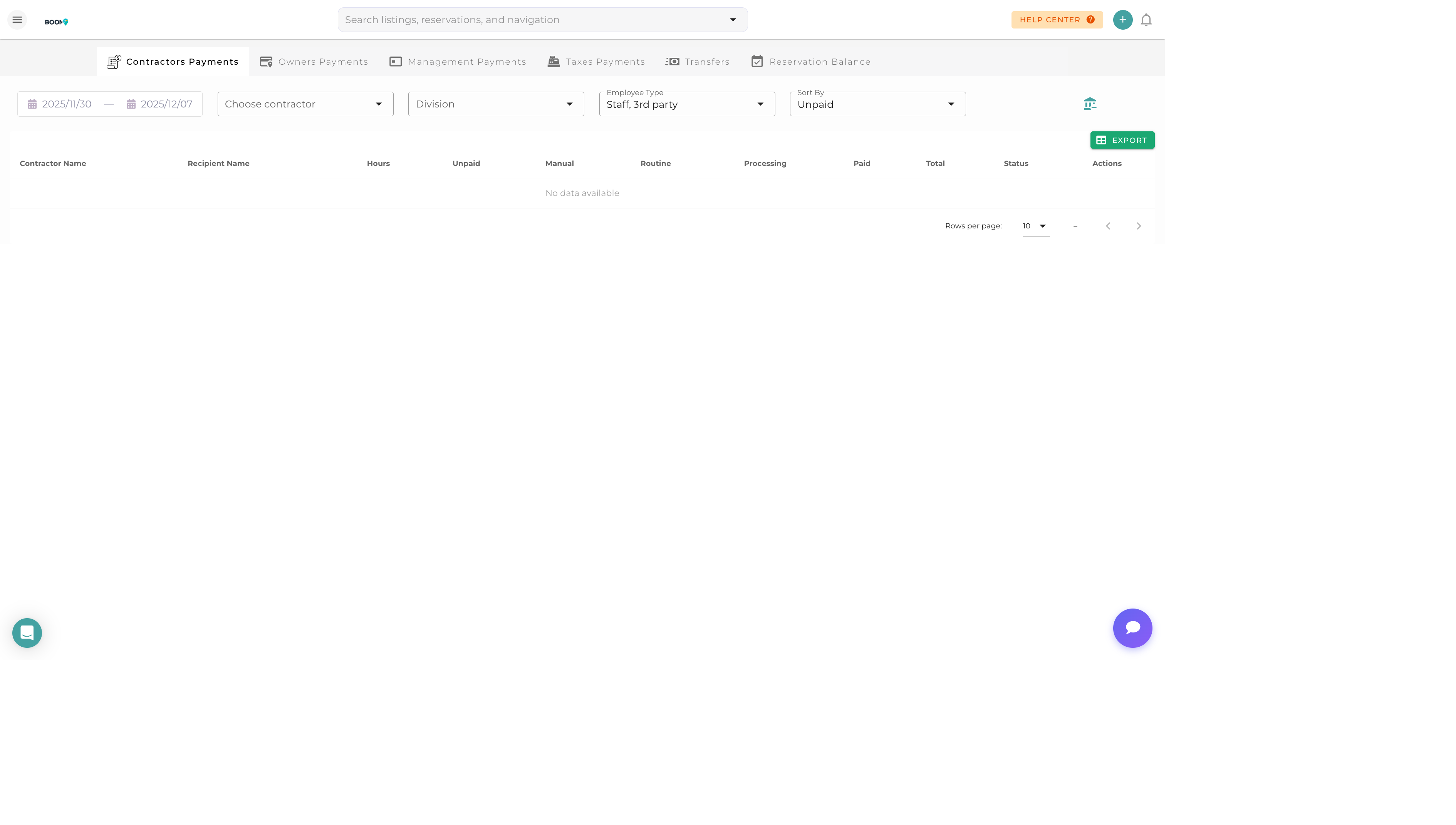
Payables: Track amounts owed to contractors and owners
Overview
The Payables module tracks money you owe to contractors, vendors, and property owners. Manage payment schedules, process batch payments, and maintain accurate records of all outgoing funds.
Types of Payables
Contractor Payments
Amounts owed to service providers:
- Cleaning teams
- Maintenance workers
- Property inspectors
- Landscaping services
Owner Distributions
Net proceeds owed to property owners after:
- Rental income collected
- Management fees deducted
- Expenses charged
- Reserves held
Vendor Bills
Regular bills from suppliers and service providers.
Managing Contractors
1
Add Contractor
Create a contractor profile with contact info and payment details.
2
Set Payment Terms
Configure payment frequency and method (check, ACH, etc.).
3
Track Work
Link completed tasks to contractor for automatic payment calculation.
4
Process Payment
Review and approve payments, then process via your preferred method.
Owner Distributions
Process monthly owner payments:
- Calculate - Run distribution calculation for the period
- Review - Verify amounts and deductions are correct
- Generate Statement - Create owner statement PDF
- Process - Send payment via ACH or check
- Record - Mark as paid and update ledger
Batch Payments
Process multiple payments at once:
- Select all payables due
- Review total amount
- Generate payment batch
- Export for bank processing or process via integrated ACH
Pro Tips
Set Payment Schedule
Establish consistent payment days (e.g., contractors on the 1st and 15th, owners on the 10th) for predictable cash flow.
Use ACH
ACH bank transfers are faster and cheaper than checks. Set up ACH for all regular contractors and owners.