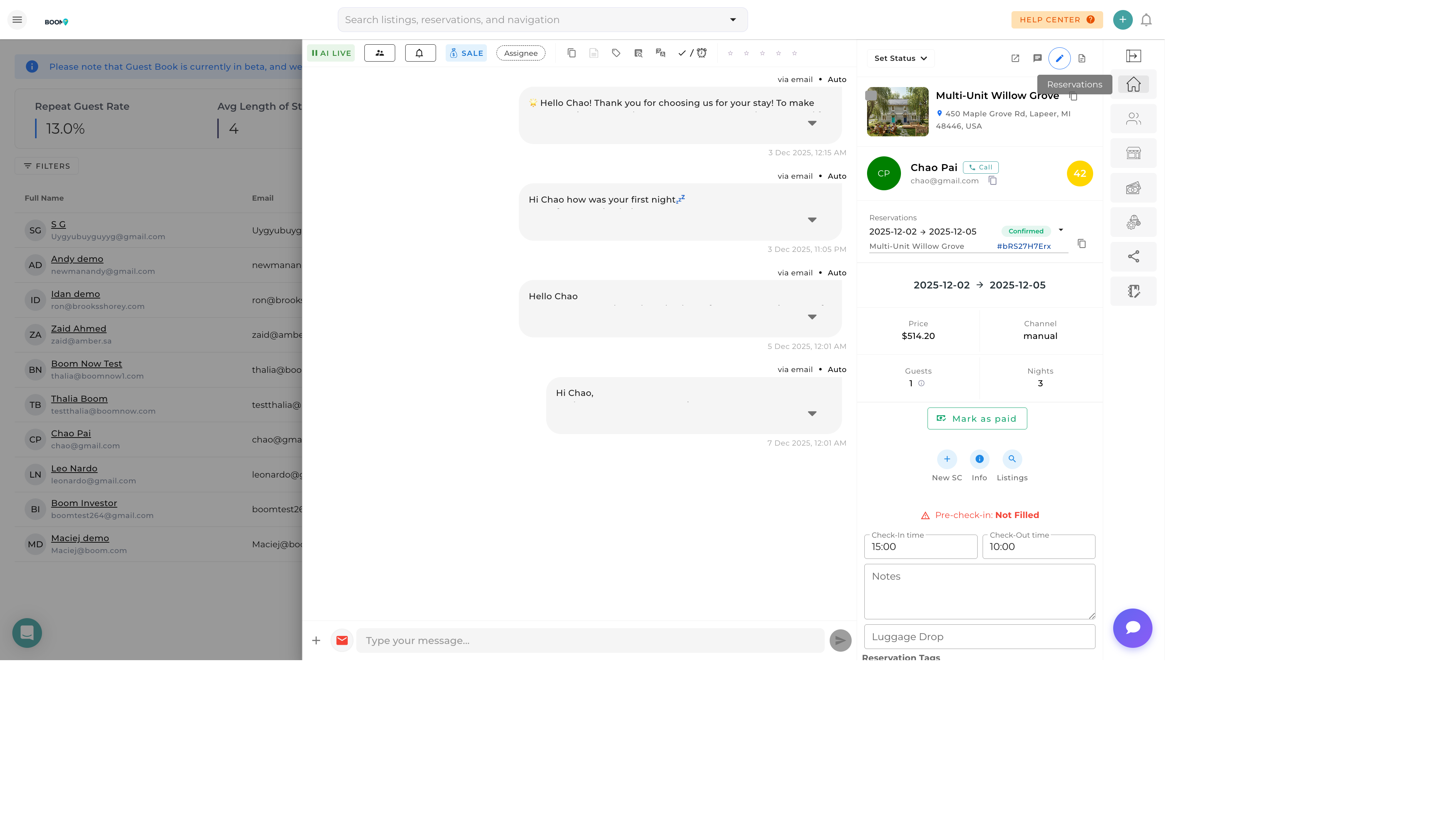
Guest Preferences in Boom PMS
Overview
Guest preferences help you deliver personalized service that exceeds expectations. By recording preferences, special requests, and requirements, you can prepare for each guest's arrival and make them feel valued throughout their stay.
Types of Preferences
Property Preferences
| Preference | Example |
|---|---|
| Favorite Property | Always requests Beach Villa |
| Floor Level | Prefers ground floor (mobility) |
| View Type | Ocean view preferred |
| Bed Configuration | King bed required |
Service Preferences
| Preference | Example |
|---|---|
| Check-in Time | Late arrival (after 8pm) |
| Communication | Email only, no phone calls |
| Housekeeping | No mid-stay cleaning |
| Welcome Items | Wine instead of champagne |
Dietary & Special Needs
| Category | Example |
|---|---|
| Allergies | Nut allergy, pet allergy |
| Dietary | Vegan, gluten-free |
| Accessibility | Wheelchair accessible required |
| Medical | Requires refrigerator for medication |
Adding Guest Preferences
-
Open Guest Profile
Navigate to the guest from Guest Book
-
Click Edit or Preferences Tab
Find the preferences section
-
Add Preference Details
Select category and enter specific preference
-
Set Priority Level
Mark as "Nice to have" or "Required"
-
Save
Preferences are saved automatically
Quick Add
You can also add preferences directly from a reservation's notes section. These will be saved to the guest profile for future stays.
Guest Notes vs Preferences
| Feature | Preferences | Notes |
|---|---|---|
| Purpose | Recurring needs and preferences | One-time observations |
| Visibility | Shows on all future reservations | Searchable in profile |
| Alerts | Can trigger preparation tasks | No automatic actions |
| Example | "Allergic to pets" | "Mentioned looking for wedding venue" |
When Preferences Appear
Guest preferences are surfaced at key moments:
On Reservations
- New booking notification includes preferences
- Reservation details page shows preference summary
- Pre-arrival checklist includes preference reminders
In Task Creation
- Cleaning tasks can include guest notes
- Special requirements flagged for team
- Preparation tasks auto-created for certain preferences
During Communication
- Message compose shows key preferences
- Templates can include preference variables
- AI responses consider guest preferences
Critical Preferences
Mark allergy and accessibility requirements as "Required" to ensure they are never overlooked. These will display prominently on all reservations.
Best Practices
- Ask at Pre-Check-In - Include preference questions in pre-arrival form
- Update After Each Stay - Note new preferences observed during visits
- Be Specific - "Red wine" is more useful than "wine"
- Verify Critical Needs - Confirm allergies and accessibility requirements
- Share with Team - Ensure housekeeping and concierge have access
- Respect Privacy - Only record relevant, appropriate information
Was this guide helpful?
Thanks for your feedback!