Stripe Setup: Accept secure payments from guests
Overview
Stripe is the primary payment processor for Boom PMS. It handles credit card payments, ACH bank transfers, and securely stores payment methods for future charges. This guide walks you through connecting your Stripe account.
Prerequisites
- A Stripe account (create one at stripe.com)
- Business verification completed in Stripe
- Bank account added to Stripe for payouts
- Admin access to Boom PMS
Connecting Stripe
1
Navigate to Integrations
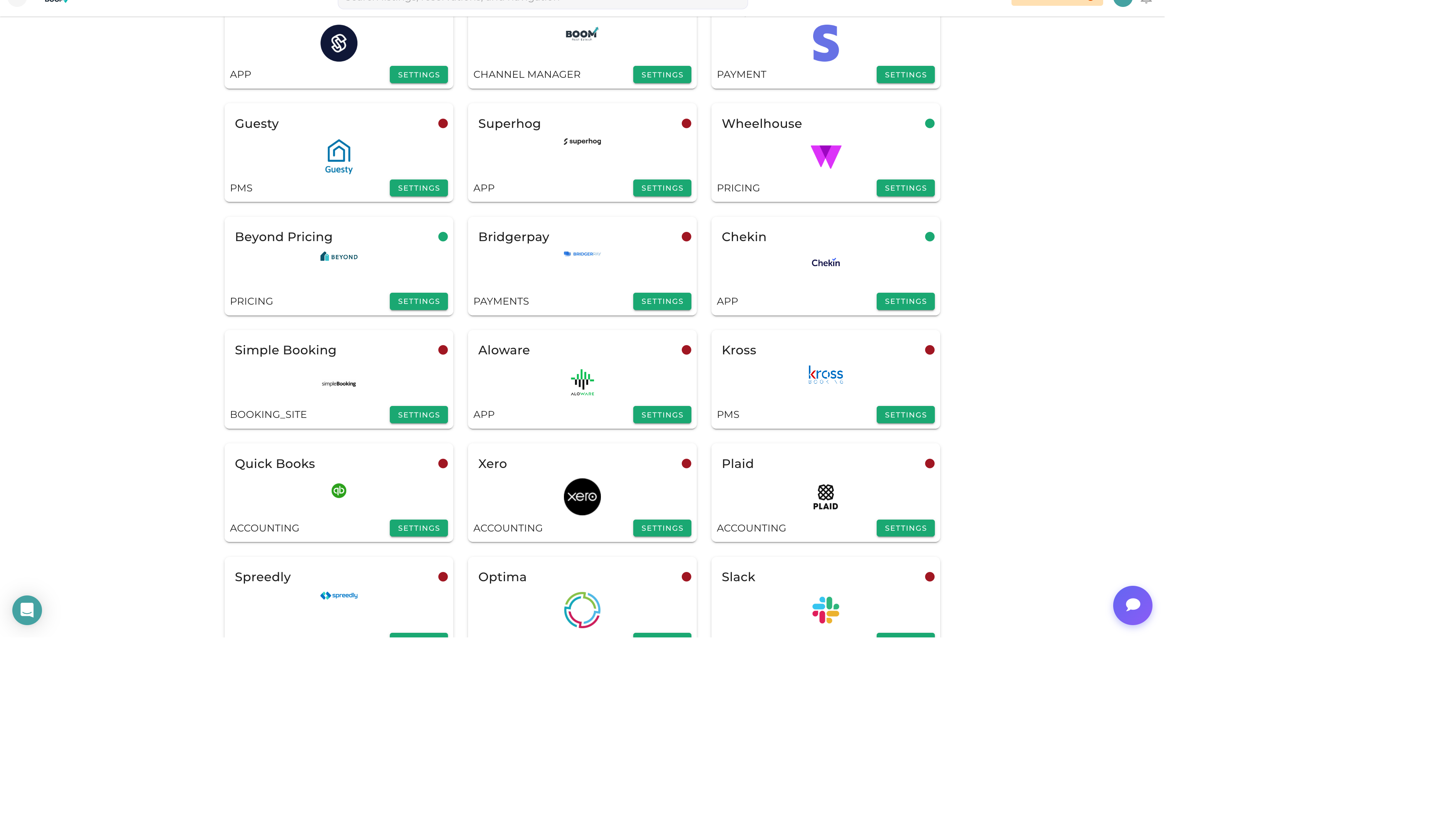
Go to Admin > Integrations and find Stripe in the Payment Processing section.
2
Click Connect
Click the "Connect with Stripe" button to start the OAuth flow.
3
Authorize Boom PMS
Log into your Stripe account and authorize Boom PMS to access your account. This creates a secure connection without sharing your API keys.
4
Complete Setup
After authorization, you'll be redirected back to Boom PMS. The integration status should show "Connected".
Configuration Options
Payment Methods
- Credit Cards - Visa, Mastercard, Amex, Discover
- ACH Bank Transfer - Direct bank debits (US only)
- Apple Pay - Enable for compatible devices
- Google Pay - Enable for Android users
Payment Settings
- Auto-capture - Automatically capture authorized payments
- Save Cards - Allow guests to save cards for future stays
- 3D Secure - Enable additional fraud protection
Testing Payments
Before going live, test the integration:
- Stripe provides test card numbers (e.g., 4242 4242 4242 4242)
- Process a test payment through a reservation
- Verify the payment appears in your Stripe dashboard
- Test refund functionality
Understanding Fees
Stripe fees are charged per transaction:
- Credit Cards - 2.9% + $0.30 per transaction
- ACH - 0.8% capped at $5 per transaction
- International Cards - Additional 1% fee
Fees are automatically deducted from payouts.
Pro Tips
Enable ACH
For larger payments, ACH transfers have much lower fees than credit cards. Encourage guests to use bank transfers for bookings over $1,000.
PCI Compliance
Boom PMS uses Stripe Elements for card collection, which handles PCI compliance. Never store raw card numbers in your system.