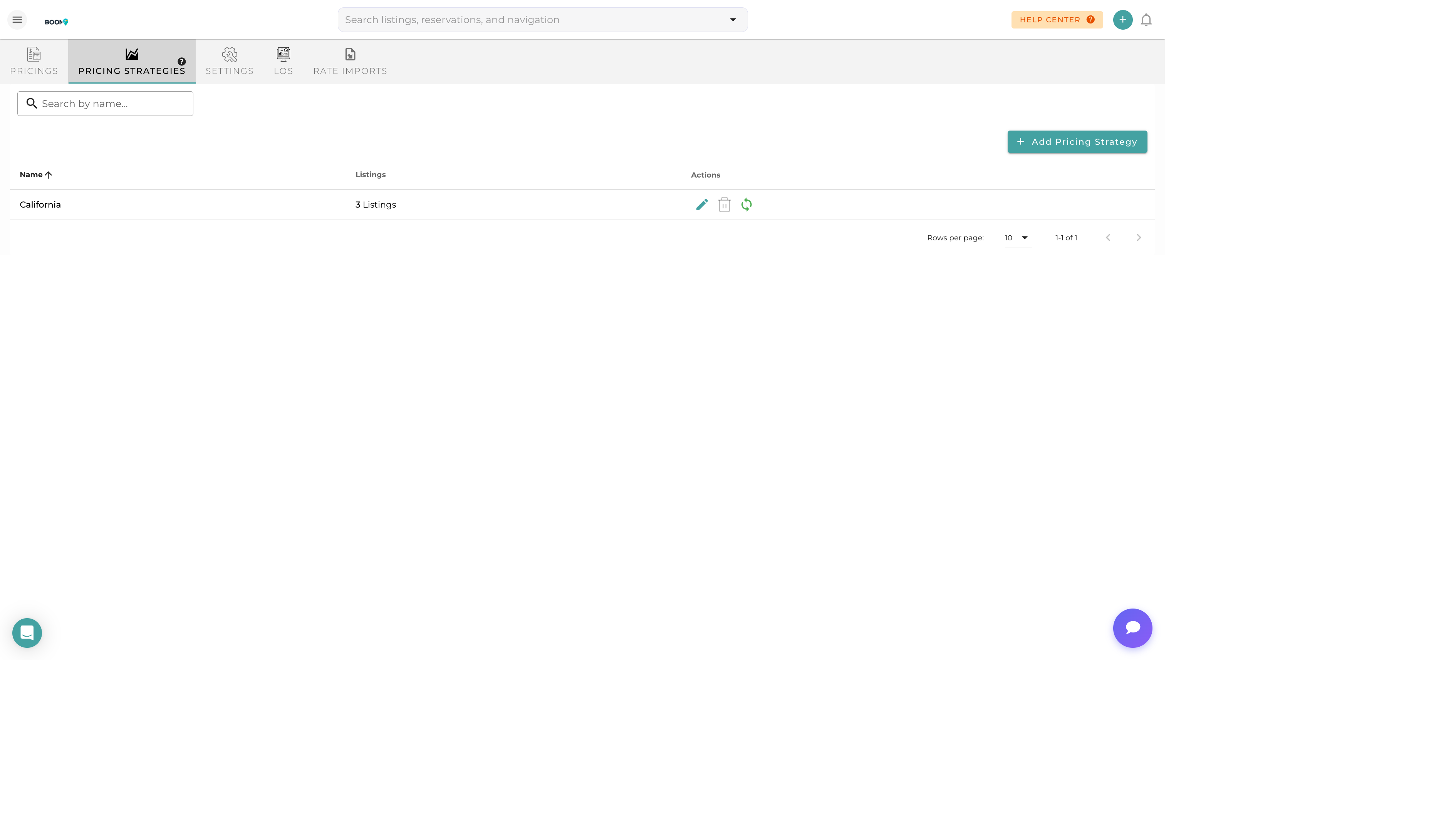
Overview
Pricing strategies allow you to create automated rules that adjust your rates based on various factors like demand, booking window, and seasonality. These strategies work alongside or independently of dynamic pricing integrations.
Strategy Types
Seasonal Pricing
Adjust rates based on time of year:
- High Season - Premium rates during peak demand periods
- Low Season - Competitive rates to attract off-peak bookings
- Shoulder Season - Moderate rates for transitional periods
Event-Based Pricing
Increase rates for local events:
- Concerts and festivals
- Sports events
- Conferences and conventions
- Holidays and celebrations
Booking Window Adjustments
Modify rates based on how far in advance guests book:
- Last-Minute Discounts - Lower rates for bookings within 7 days
- Early Bird Premium - Higher rates for bookings 90+ days out
- Gap Filling - Discounts to fill gaps between reservations
Length of Stay Pricing
Incentivize longer stays:
- Weekly Discount - 10-20% off for 7+ night stays
- Monthly Discount - 25-40% off for 28+ night stays
- Minimum Stay Pricing - Lower rates when minimum stay is met
Occupancy-Based Pricing
Adjust rates based on portfolio occupancy:
- High Occupancy - Raise rates when most properties are booked
- Low Occupancy - Lower rates to increase bookings
Creating a Strategy
Navigate to Strategies
Go to Marketing > Pricing and click on the "Strategies" tab.
Create New Strategy
Click "Add Strategy" and give it a descriptive name.
Set Conditions
Define when the strategy should apply (date ranges, booking windows, etc.).
Define Adjustment
Set the rate adjustment as a percentage increase/decrease or fixed amount.
Assign Properties
Select which properties this strategy applies to.
Activate Strategy
Enable the strategy and set its priority relative to other strategies.
Strategy Priority
When multiple strategies apply to the same dates, priority determines which takes precedence:
- Priority 1 (Highest) - Applied first, usually manual overrides
- Priority 2-5 - Standard strategies in order of importance
- Priority 10 (Lowest) - Fallback strategies
Strategies can be set to stack (cumulative) or replace (exclusive).