Overview
Task templates save time by pre-configuring common task types with standard instructions, checklists, and settings. Instead of filling out the same information repeatedly, use templates to create consistent tasks in seconds.
Common Template Types
Cleaning Templates
- Standard Turnover - Regular checkout cleaning
- Deep Clean - Thorough seasonal cleaning
- Mid-Stay Refresh - For longer stays
- Pre-Guest Touch-up - Quick pre-arrival prep
Maintenance Templates
- HVAC Service - Filter replacement, inspection
- Pool Maintenance - Regular pool service
- Pest Control - Scheduled treatments
- General Repair - Ad-hoc fixes
Inspection Templates
- Move-In Inspection - Pre-check-in verification
- Damage Assessment - Post-checkout review
- Quarterly Inspection - Periodic property check
Creating a Template
Navigate to Templates
Go to Operations > Task Templates from the settings menu.
Click New Template
Click "Create Template" to start a new template.
Set Template Name
Give the template a clear, descriptive name (e.g., "Standard Checkout Cleaning").
Configure Task Details
Set default values for:
- Task type and priority
- Description and instructions
- Estimated duration
- Required supplies
Add Checklist
Create a checklist of items to complete. Group items by area or category.
Set Photo Requirements
Specify which photos should be required (before, after, specific areas).
Save Template
Save the template for use in task creation and automation rules.
Using Templates
Manual Task Creation
When creating a task, select a template to auto-fill all configured fields.
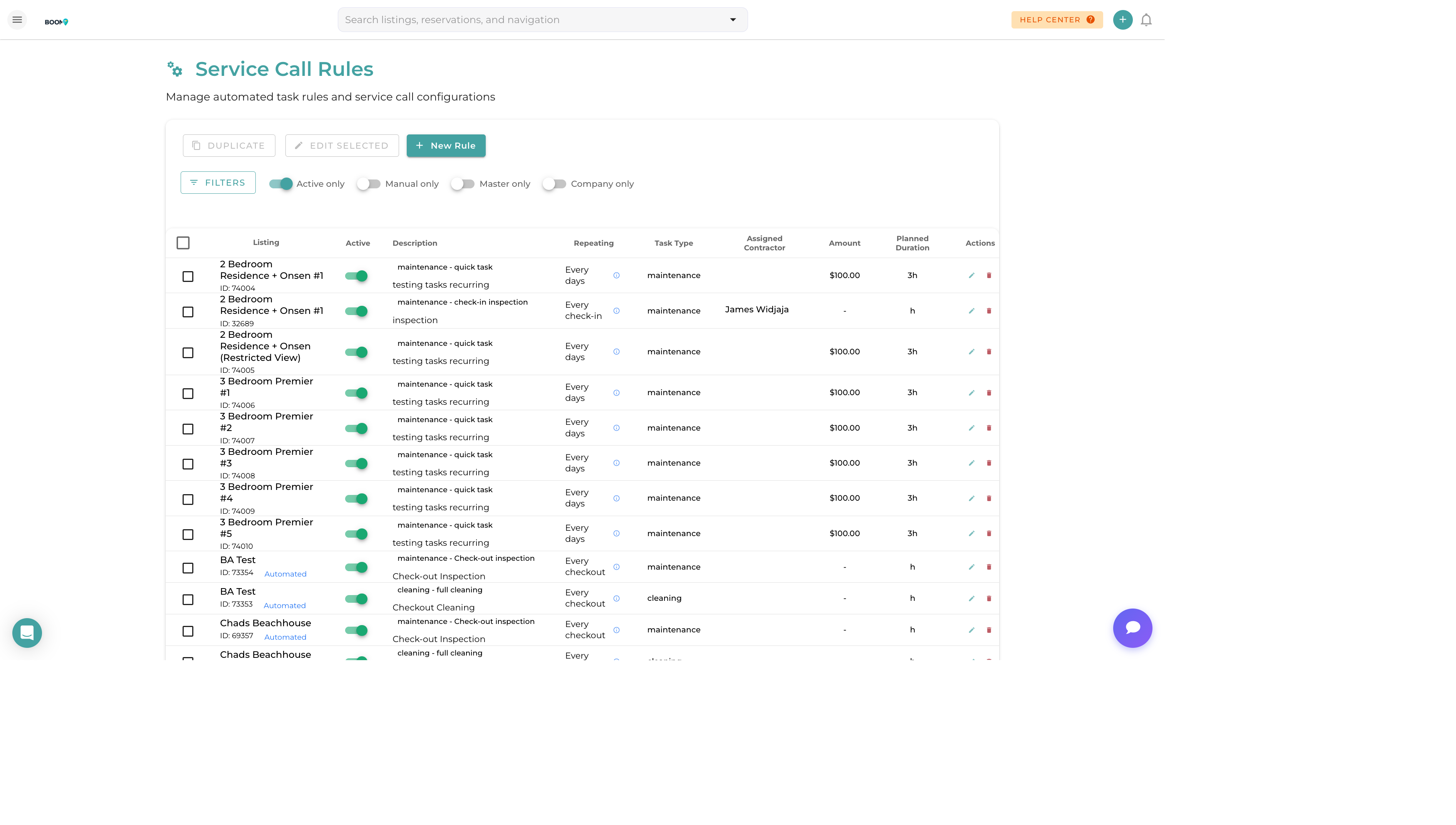
Automation Rules
Reference templates in automated task rules to standardize auto-created tasks.
Bulk Creation
Apply templates to create multiple tasks across properties at once.
Managing Templates
- Edit - Update template details and checklist
- Duplicate - Copy to create a variation
- Archive - Hide without deleting
- Delete - Remove permanently