Overview
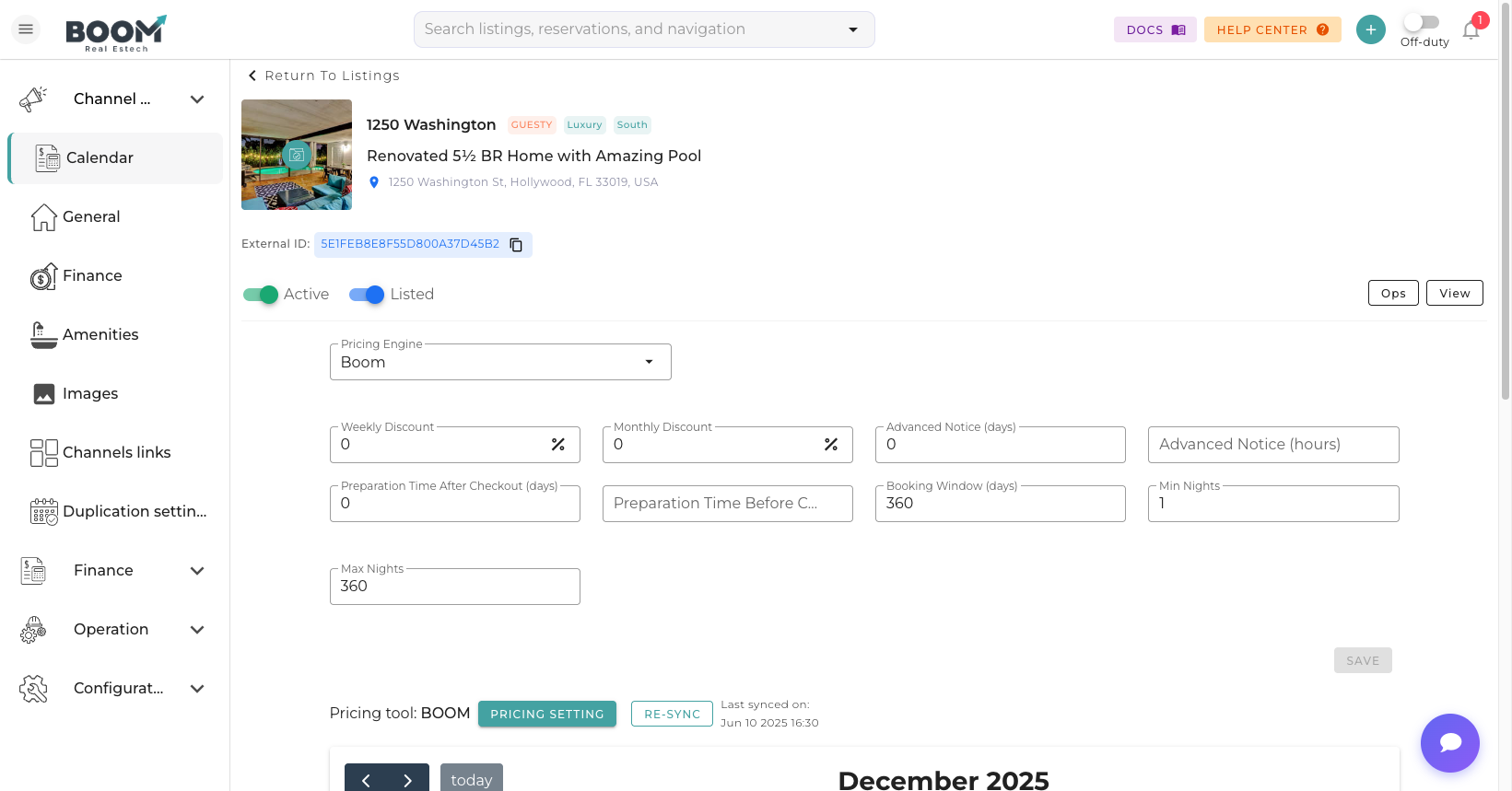
Adding a new property to Boom PMS is straightforward. The setup wizard guides you through all essential information needed to start accepting bookings.
Setup Steps
Basic Information
Enter property name, type (house, apartment, villa), and address. The name should be memorable and unique for easy identification.
Property Details
Specify bedrooms, bathrooms, beds, and maximum guest capacity. These details affect search results and pricing.
Description
Write compelling property descriptions for guests. Include highlights, neighborhood info, and what makes your property special.
Amenities
Select all available amenities: WiFi, parking, pool, kitchen, air conditioning, etc. Complete amenity lists improve booking rates.
Photos
Upload high-quality photos of all rooms and spaces. Properties with 20+ photos get significantly more bookings.
Pricing
Set your base nightly rate, cleaning fee, and any additional charges. You can adjust pricing later with dynamic pricing rules.
House Rules
Define check-in/check-out times, pet policy, smoking rules, and guest requirements.
Required Information
| Field | Why It Matters |
|---|---|
| Property Name | Identifies your listing across channels |
| Address | Required for maps and guest navigation |
| Bedrooms/Beds | Determines guest capacity for bookings |
| Base Rate | Starting point for all pricing |
| Photos | Required by all booking channels |
After Setup
Once your property is created, you can:
- Connect to booking channels (Airbnb, VRBO, Booking.com)
- Set up dynamic pricing rules
- Configure automated messaging
- Assign cleaning and maintenance teams
- Set up availability restrictions
Tips
Was this guide helpful?
Thanks for your feedback!