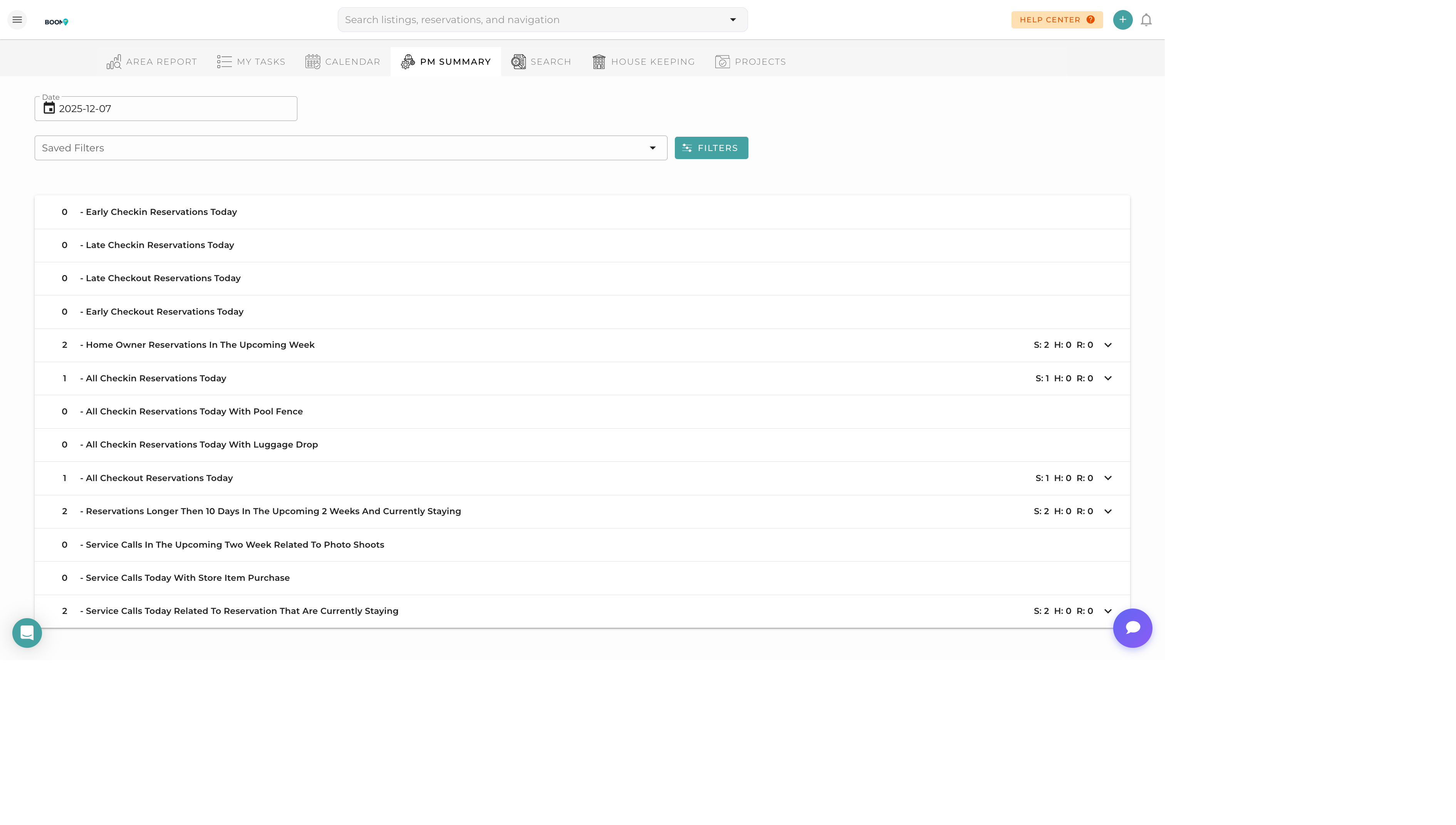
PM Summary: High-level operations dashboard for property managers
Overview
The PM Summary View provides property managers with a high-level dashboard showing the overall status of operations. It consolidates key metrics and action items into a single, easy-to-scan interface.
Dashboard Sections
Today's Overview
- Check-ins and check-outs scheduled
- Tasks pending completion
- Issues requiring attention
Property Status Grid
Visual grid showing all properties with color-coded status:
- Green - Ready for guests
- Yellow - Tasks in progress
- Red - Needs attention
- Gray - Blocked/unavailable
Team Activity
Summary of team member activity and current assignments.
Alerts & Notifications
Critical items requiring immediate attention.
Using the PM Summary
1
Morning Check
Review the dashboard each morning to see what's scheduled for the day.
2
Address Alerts
Handle any red alerts or critical notifications first.
3
Monitor Progress
Check back throughout the day to track task completion.
4
End of Day Review
Verify all tasks are complete before check-in times.
Quick Actions
From the PM Summary, you can quickly:
- Click any property to see details
- Assign tasks to available team members
- Send messages to guests or team
- Mark properties as ready
- Create urgent tasks
Pro Tips
Set as Homepage
Make the PM Summary your default landing page to get an immediate overview when you log in.
Mobile Friendly
The PM Summary is optimized for mobile. Check it on your phone while in the field.